DMX-4 USB Mixer User Manual
9
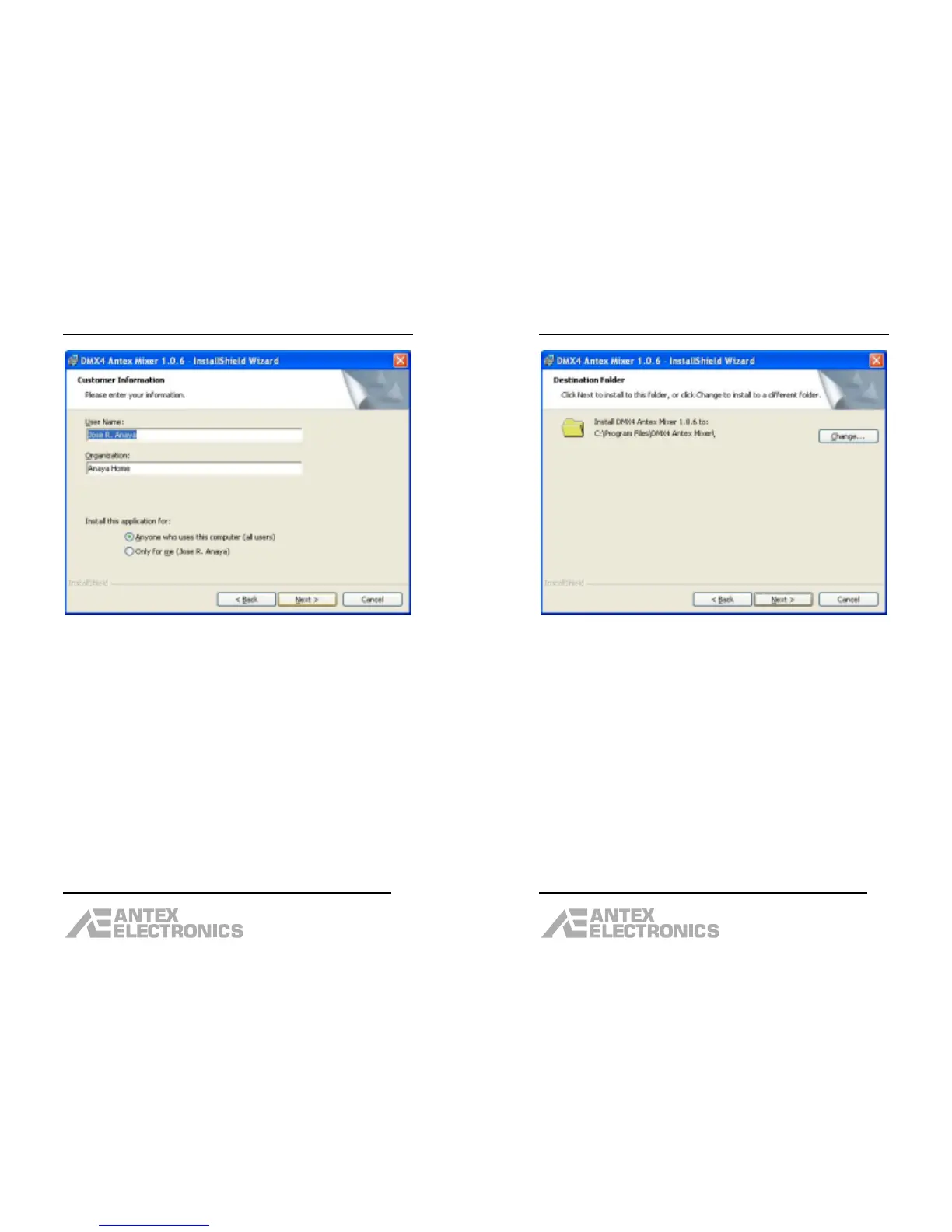
Enter the User Name and Organization, click “Next”.
DMX-4 USB Mixer User Manual
10
Unless you need to change the destination folder, click
“Next”.
The next dialog box will say “Ready to Install the
Program”. Click “Install”.
After the program has been installed, the dialog box will
say “InstallShield Wizard Completed”. Click “Finish”.



 To Next Page