Roon With Roon Ready
SETUP ROON WITH ROON READY:
You can play from Roon Server to Roon Ready DACs or Renderers on your network.
But while Roon Ready is designed to be installed on a separate device from the Roon Server app, you can enable Roon Ready on the same
Antipodes device that you run Roon Server on.
The simple reason we recommend you use Roon Ready instead of playing ‘Local’ as described in 5.1, is that sound quality is improved. Using
both Roon Server and Roon Ready together on the same device will result is more coherent sound and we believe this is because there is less
interference/contention between the server and renderer functions.
If you are using any Antipodes to stream to a Roon Ready DAC/Renderer via Ethernet then you don’t need to setup Roon Ready on the
Antipodes.
If you are using any Antipodes on its own to play to your DAC then setup Roon Ready on it.
If you are using a CX+EX solution, then you setup Roon Server on the CX and Roon Ready on the EX.
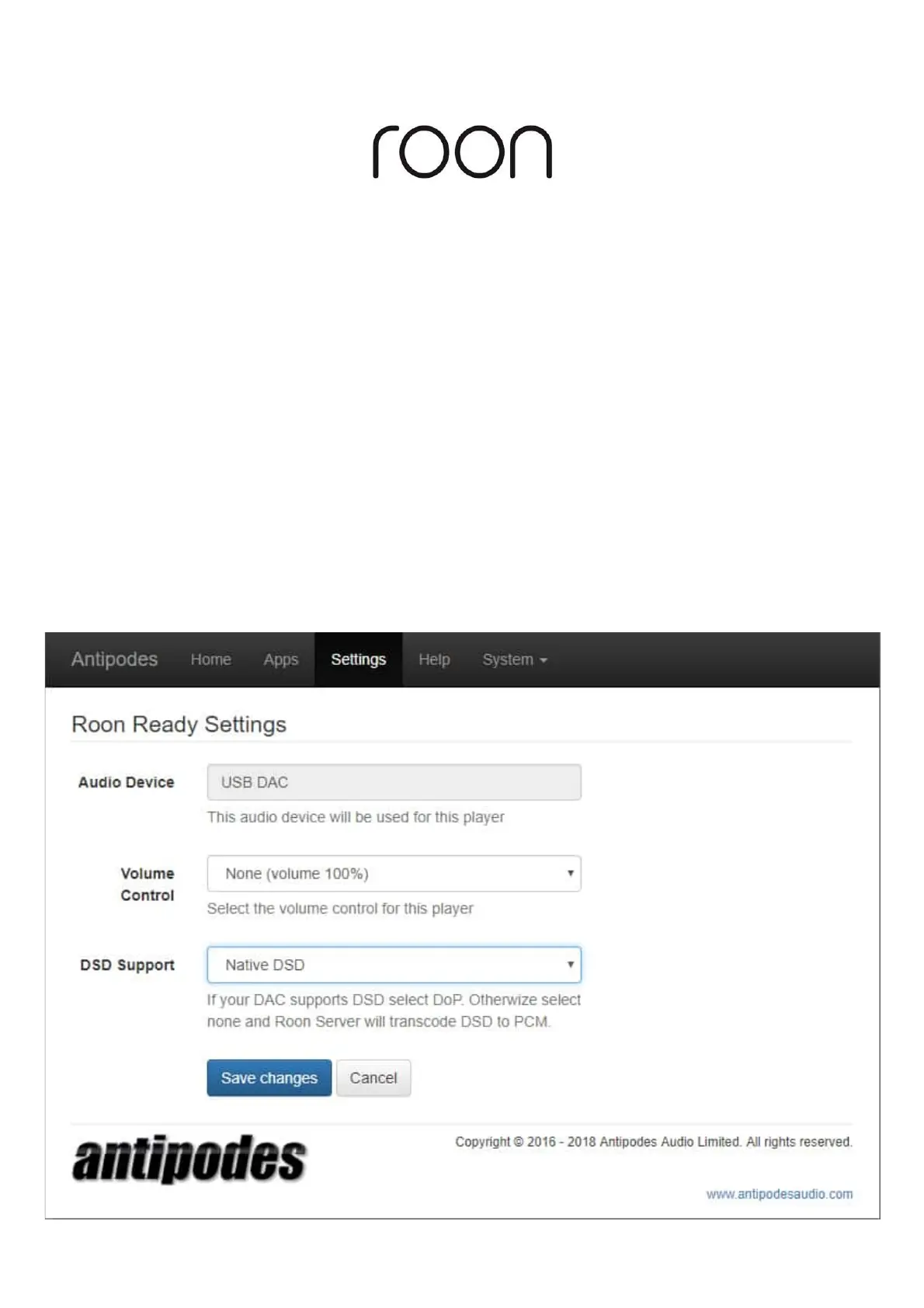
To setup Roon Ready, open the Antipodes Control Panel, click on ‘Settings’ and then click on the ‘Roon Ready’ icon.
Make sure the correct output is selected, set how volume levels should be set, and how DSD les should be handled, and then click ‘Save
changes’.



 To Next Page