Minimserver
SETUP MINIMSERVER:
MinimServer is a UPnP/DLNA AV server that enables the music library on an Antipodes server to be accessed by DLNA-capable devices.
MinimServer is not installed on Antipodes servers by default. Therefore you need to install it before you can use it.
At the Antipodes Control Panel, select the ‘Apps’ menu item, click on the ‘Software Manager’ icon, and then select the ‘Available Apps’ tab.
Click on the ‘MinimServer’ icon and click ‘Install’ to open the installation process.
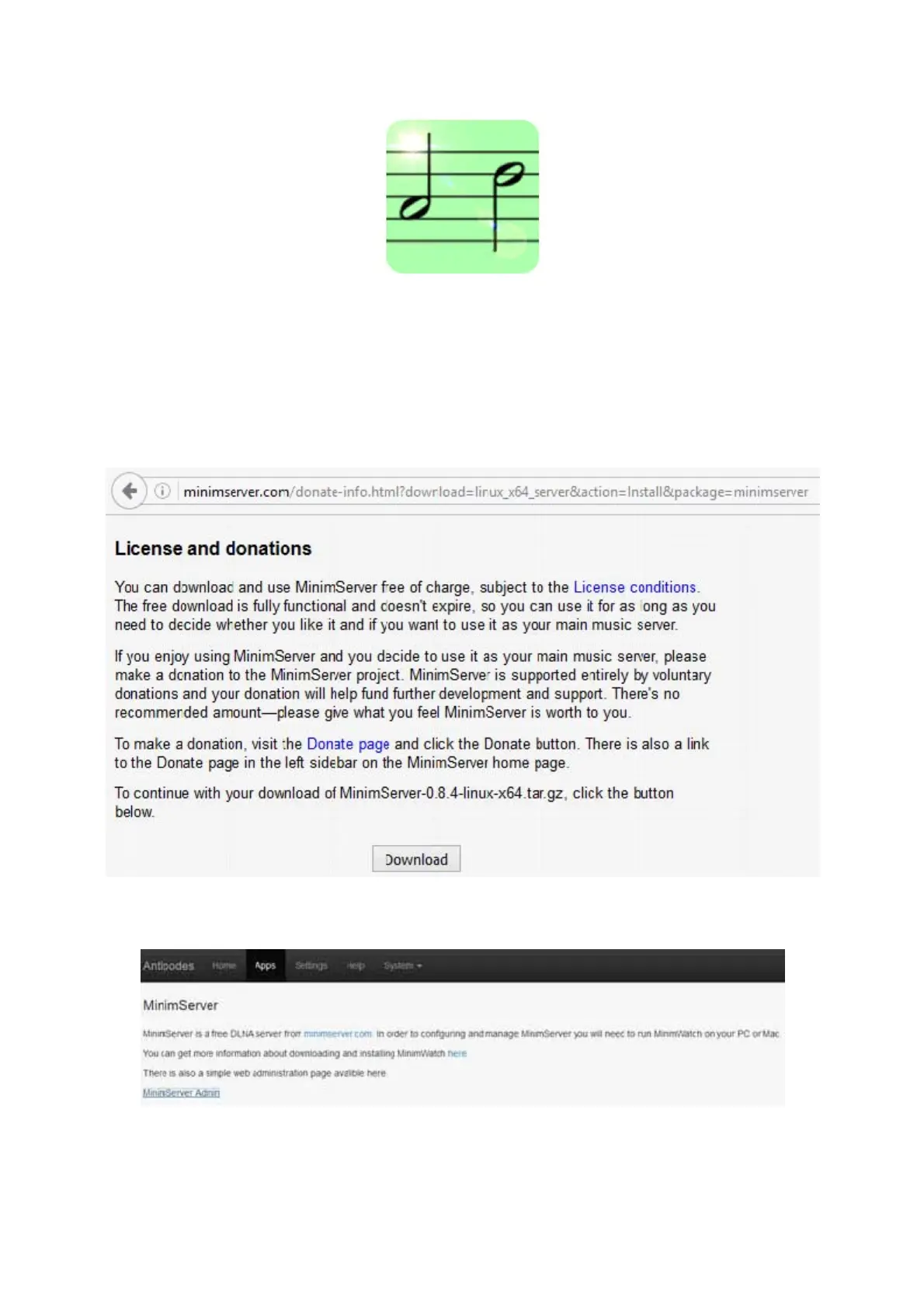
Select the ‘Apps’ menu item in the Antipodes Control Panel and click on the ‘MinimServer’ icon.
Click on ‘MinimServer Admin’ to see the license terms, and accept them if you wish to proceed.



 To Next Page