SONOS
SETUP SONOS INTEGRATION:
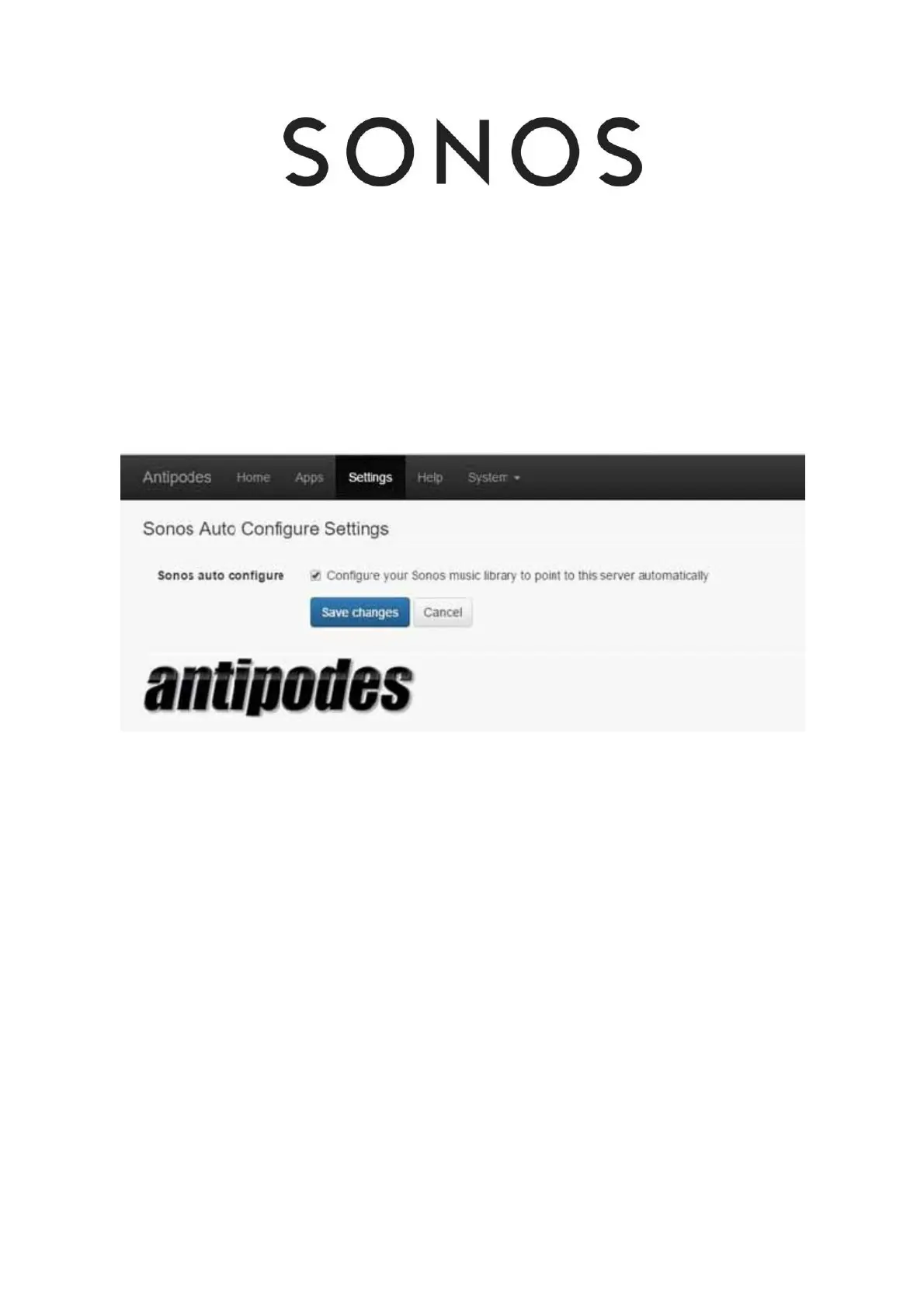
Install and setup this application and your Antipodes Music Server will appear within your SONOS application as a music source.
This means you can use your Antipodes music server to rip and store music, play to a high quality DAC in your stereo system, and have the
same music available for playback using SONOS hardware, throughout your home.
SONOS Integration is not installed on your Antipodes server by default, so you will need to install it at the Antipodes Control Panel rst. Go to
Section 7 for a guide to installing and uninstalling apps in the Antipodes Control Panel.
Then select the ‘Settings’ menu item at the Antipodes Control Panel, click on the ‘SONOS Integration’ icon, tick the option to integrate with your
SONOS system and click on the ‘Save Changes’ button.



 To Next Page