PLEX
SETUP PLEX MEDIA SERVER:
Plex is a media server application that organises video, music and photos from personal media libraries and streams them to media servers,
smart TVs, streaming boxes and mobile devices that have compliant player apps.
Plex can also be setup as a DLNA server.
You can control Plex on a Windows PC, an Apple Mac or a tablet or smartphone using one of the DLNA remote controller apps such as
BubbleUPnP, UPnP, Foobar 2000 etc.
To use Plex with the Antipodes you need to install the optional Plex application.
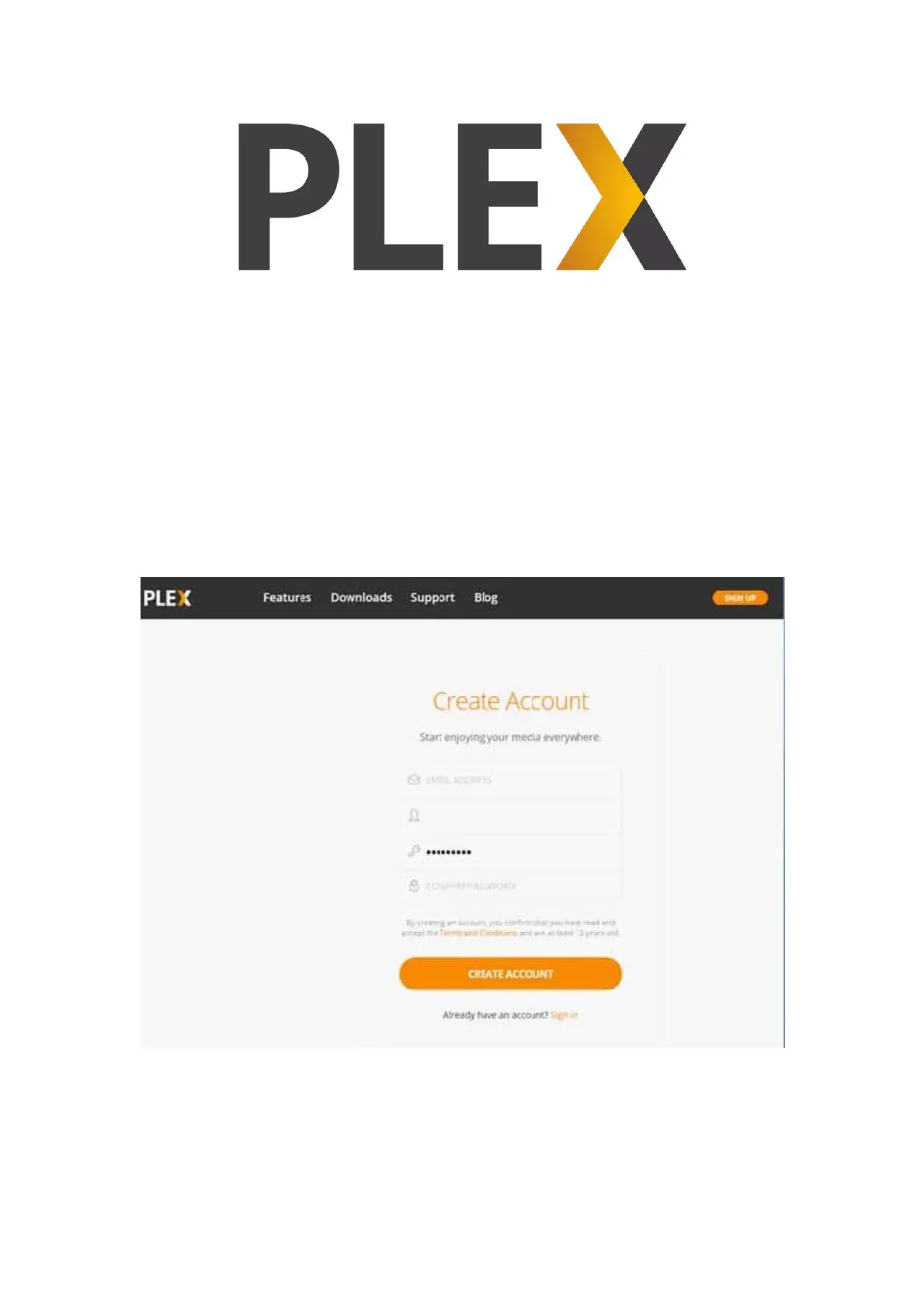
After installing it on your Antipodes, the rst step is to use a browser to go to https://plex.tv/, click on ‘Create Plex Account’ and proceed to
create your account.
Then, back in the Antipodes Control Panel, select the ‘Apps’ menu item, and click on the ‘Plex’ icon. A new browser window will open where you
can review and agree to the Plex Terms of Service. You will then be taken to the Plex interface to complete the setup. The setup is well-
designed and intuitive.
The key part of the setup with respect to the Antipodes server, is to setup the library location on the Antipodes (which is ‘/storage’) as a library
within Plex.
For example, in the ‘Add Library’ window select ‘Music’, give your library a name, and then click ‘NEXT’.



 To Next Page