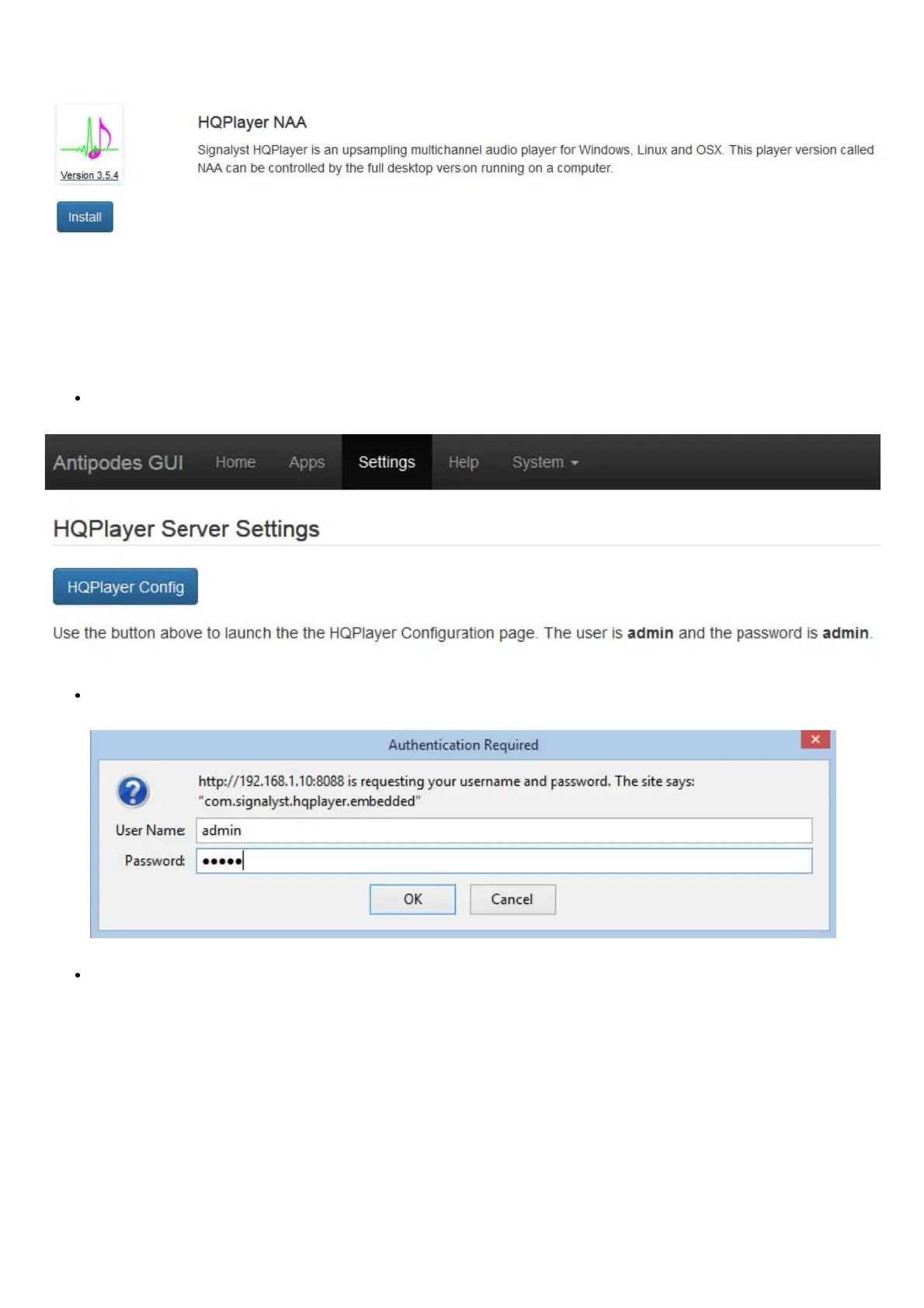
Then click ‘Install’:
How to set up HQPlayer Server on an Antipodes to play via ALSA
If your DAC is connected to the Antipodes where HQPlayer Server is running you can use ALSA (Advanced Linux Sound Architecture) to play
directly to the DAC.
With this mode you do not need to install the NAA and you do not use the Audio App Switcher.
Go to Settings / HQPlayer Server and click ‘HQPlayer Cong’:
On the next screen enter ‘admin/admin’ and click ‘OK:
The HQPlayer conguration screen will be displayed:



 To Next Page