HQPlayer Local
SETUP HQPLAYER LOCAL:
HQPlayer Server (embedded) is a version of HQPlayer that runs on Linux servers. The application is pre-loaded on Antipodes servers and can
be installed from Apps/Software Manager/Available Apps.
HQPlayer Server can play directly through ALSA ( the Linux Audio software on the Antipodes) to a DAC connected to the same Antipodes
server, or through the HQPlayer NAA (Network Audio Adapter) to a DAC on the same server or to a DAC on a different server; the NAA runs on
the Antipodes to which the DAC is connected.
HQPlayer Server on Antipodes servers is a demo installation. It will therefore shut down after 30 minutes and will have to be restarted. You can
licence HQPlayer on the Antipodes on which it runs by purchasing a licence key from Signalyst.
This document describes how to set up and use HQPlayer Server on a single Antipodes server.
HQPlayer Conguration Options
HQPlayer Server (server app) and HQPlayer NAA (renderer app) are pre-loaded on Antipodes servers and can be optionally installed by the
user.
If you have a single Antipodes server you can run HQPlayer Server using the ALSA Backend option, which does not require the NAA to be
installed, or you can use the NAA Backend option which does require the NAA to be installed. If you use the ALSA option you cannot readily
switch to a different server/player using the Audio App Switcher.
How to Install HQPlayer Server
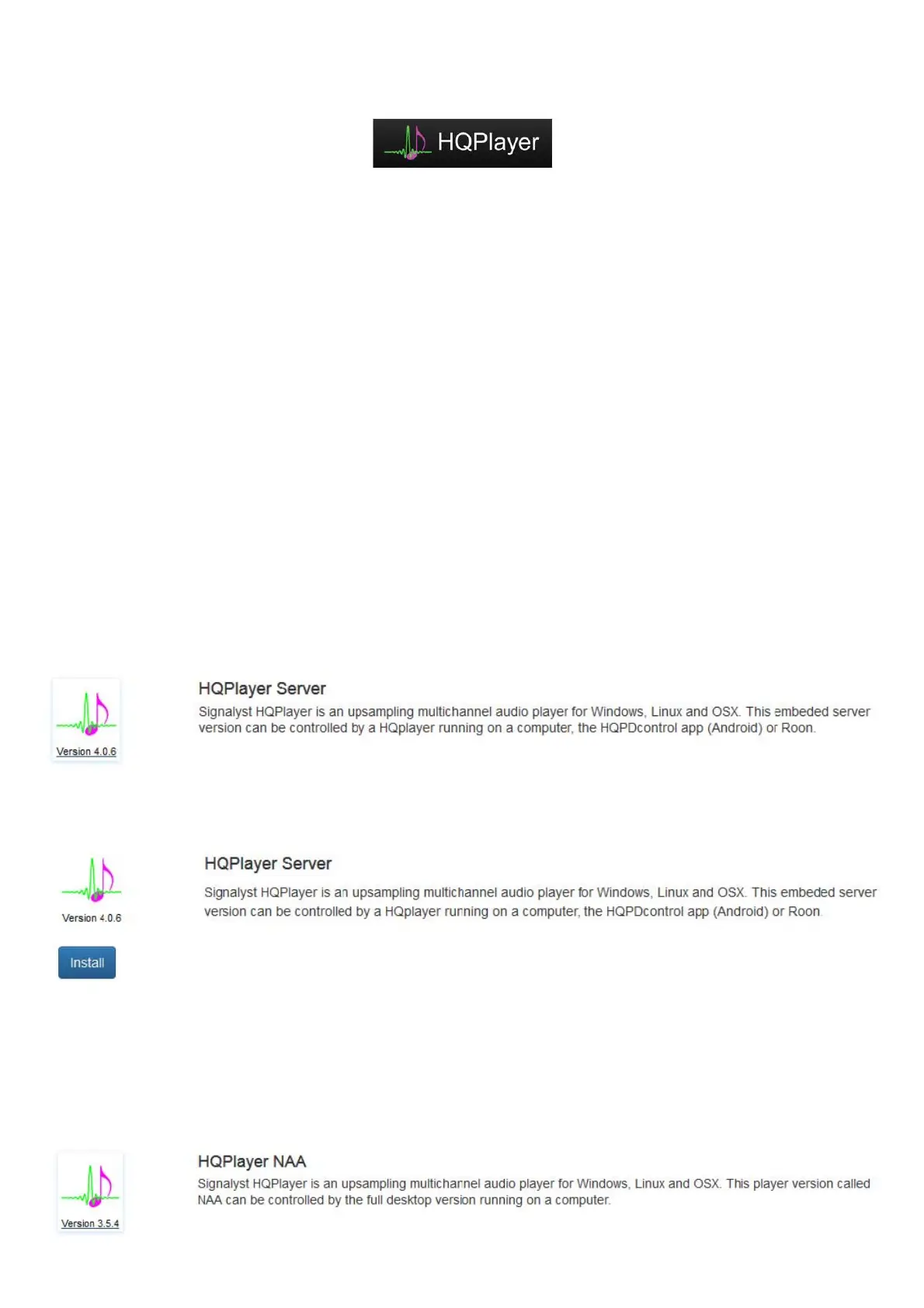
Go to Apps/Software Manager/Available Apps and click the HQPlayer Server icon
Then click ‘Install’:
Note that the install may take quite a long time (>15 minutes +). Let the installation complete and wait until you see the ‘Return to Package
Manager’ message.
How to Install HQPlayer NAA
Go to Apps/Software Manager/Available Apps and click the HQPlayer Server icon



 To Next Page
 Loading...
