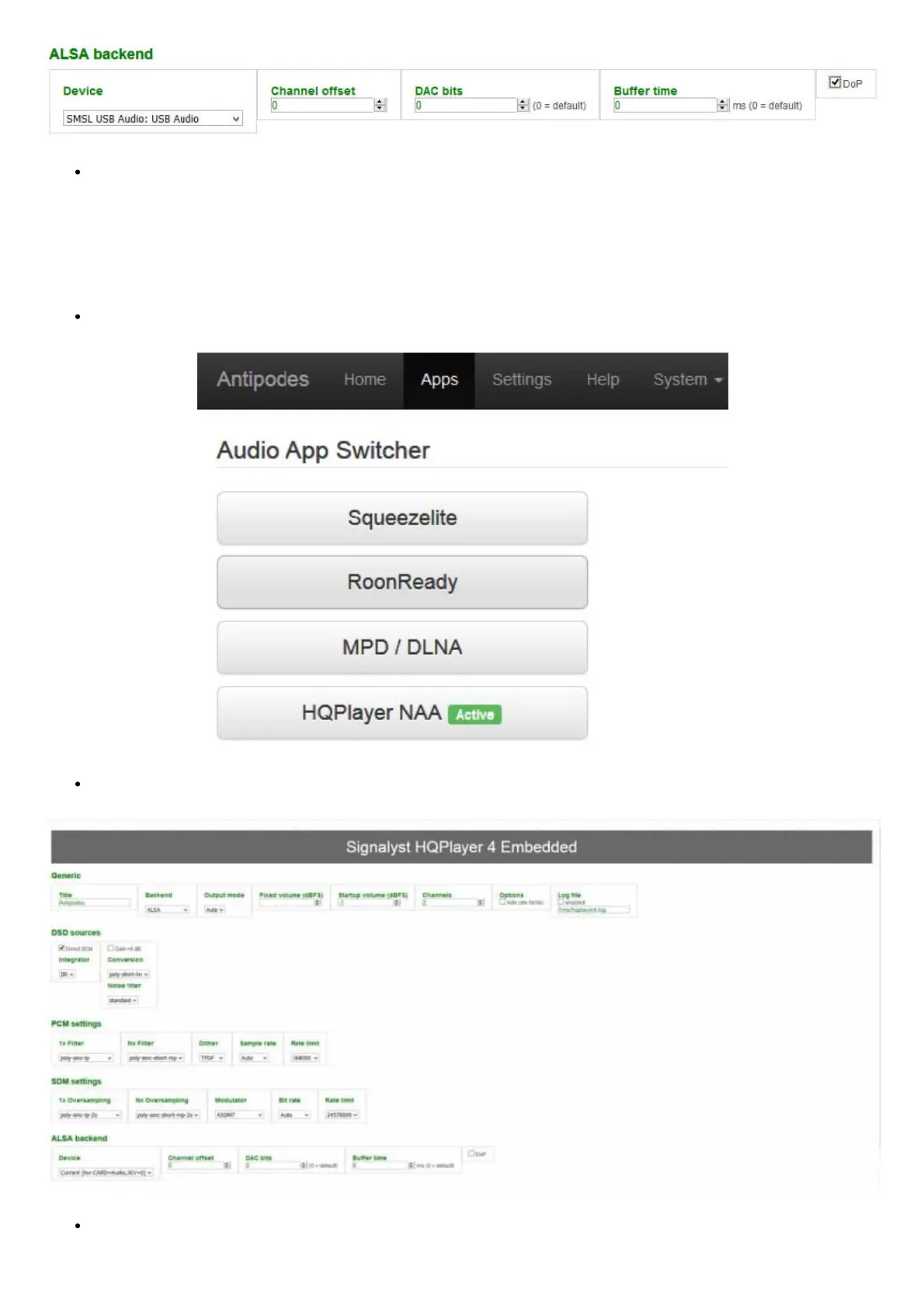
Finally, go to the bottom of the page and click ‘Apply’. This completes the basic HQPlayer Server conguration for using the ALSA
option.
How to set up HQPlayer Server on an Antipodes to play via NAA
You can use the NAA option when the DAC is connected to the same Antipodes where HQPlayer Server is running. Under this mode you can
use Audio App Switcher to switch to MPD, Squeezebox Server or Roon for different server/player options.
Go to Apps/Audio App Switcher and click HQPlayer NAA so that is shows as ‘Active’:
Open the HQPlayer conguration screen (as shown in 4c above):
In the Backend box click the selection arrow and select ‘Network Audio’. Then click ‘Apply’.



 To Next Page