You can use either the HQPlayer ALSA or NAA options for playback. You should understand that under the ALSA option HQPlayer ‘owns’ the
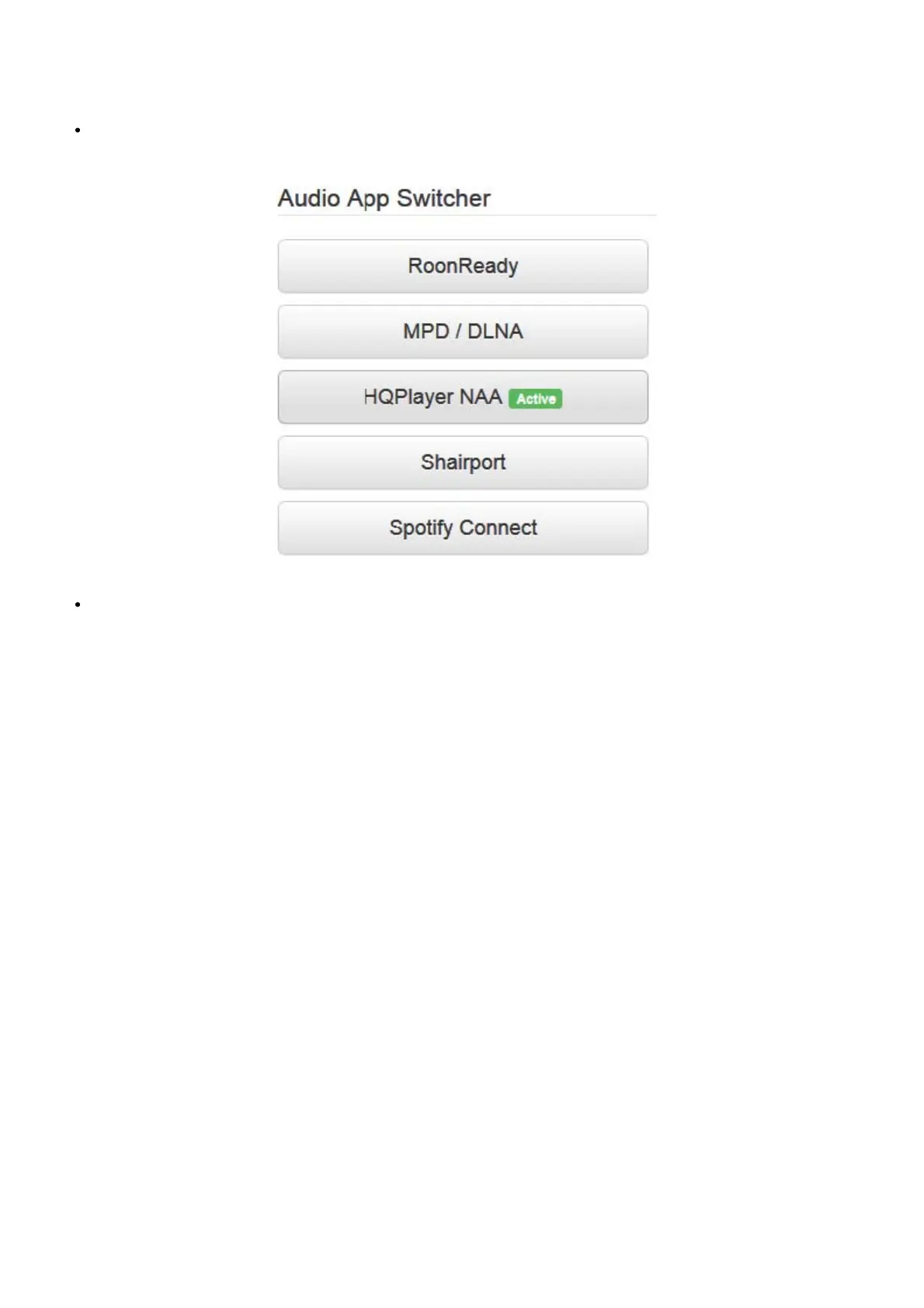
USB output on the Antipodes and you cannot use the Audio App Switcher to switch to Roon Ready. However if you use the NAA option you can
switch between NAA and Roon Ready.
If you have selected the NAA Backend option in HQPlayer Server go to Apps/AudioApp Switcher on the Antipodes to which the DAC is
connected and click the HQPlayer NAA option so it shows as ‘Active’:
In Roon Remote go to Settings/Setup/HQPlayer and click ‘Add HQPlayer’:



 To Next Page