
 Need help?
Do you have a question about the ANTVR Kit 2 and is the answer not in the manual?
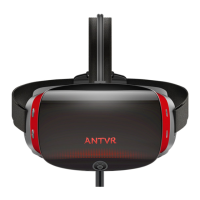
Details the contents of the ANTVR Kit 2 package, including headset, controllers, cables, guides, and cleaning tools.
Steps for connecting the ANTVR Kit 2 headset to a PC, including software installation and cable connections.
Guide on how to connect and pair the ANTVR controllers with the ANTVR Kit 2 headset for VR use.
Instructions on how to set up and bond ANTVR Carpets using positioning buckles for accurate tracking.
Details the minimum PC specifications needed to run the ANTVR Kit 2.
Troubleshooting steps for when the ANTVR Kit 2 headset screen does not turn on.
 General
| Display Type | LCD |
|---|---|
| Resolution Per Eye | 1920 x 1080 |
| Refresh Rate | 60 Hz |
| Field of View | 100 degrees |
| Connections | HDMI, USB |
| Tracking | 3DoF |
| Compatibility | PC |

 To Next Page