Note:
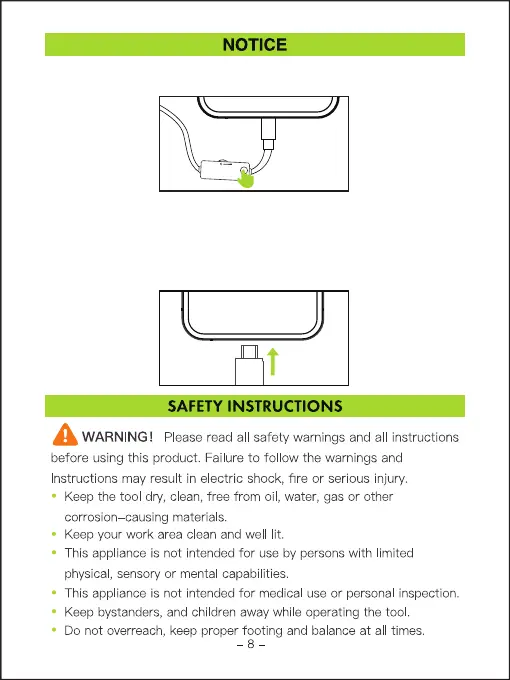
• Ensure a complete connection by fully inserting the Lighting/USB plug for our endoscope
cable into your mobile phone.
• Incomplete connection may result in no lights or camera functionality.
• Simply disconnect and reconnect the cable to establish a proper connection and restore the
endoscope's functionality.
Notice: When connecting a dual lens camera probe, please press this button to switch the front
and side lenses.



 To Next Page