EasyManua.ls Logo

ANYKIT AKS400 - User Manual

Default Icon
19 pages
Print Icon
To Next Page IconTo Next Page
Loading...
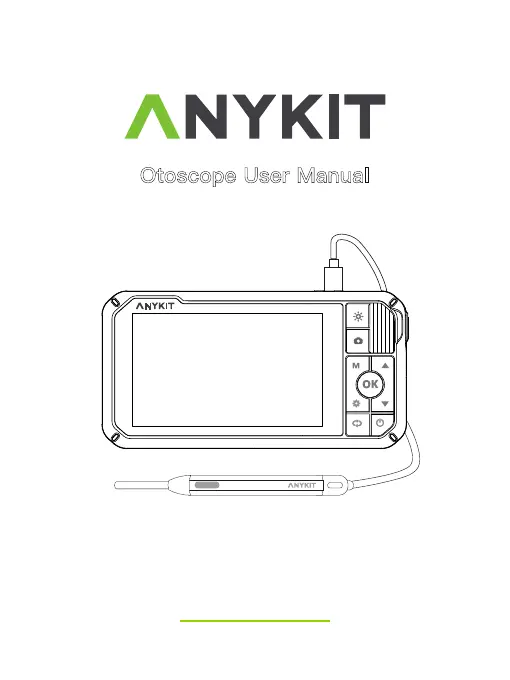
Otoscope User Manual
Model No.: AKS400
AKS 400

Questions and Answers

Summary

READ BEFORE USE

Video Tutorials

Access tutorial videos for AKS400 to learn safe usage.

Customer Support Information

Contact details and operating hours for U.S. local customer support.

Safety Warnings

About Anykit

Device Functions

Product Specifications

Using the Inspection Camera

Operating Instructions

Speculum Attachment

Guidance on how to attach and use the speculum accessory.

Ear Spoon Attachment

Instructions for attaching and using the ear spoon accessory.

Device Settings

Important Notices

User Interface Overview

User Modes and Operations

Photo and Video Modes

Instructions for taking photos and recording videos.

Image Orientation Modes

Explanation of Normal, Gyro, Left, and Right display modes.

TF Card Usage

Copying Files to Computer

Methods for transferring photos and videos from the TF card.

Device Maintenance

Charging the Device

Troubleshooting Common Issues

No Camera Detected

Steps to resolve issues where the camera probe is not recognized.

Image Quality Issues

Solutions for blurry images and cleaning the lens.

Product Warranty

Guarantee and Warranty Terms

Details of the 30-day guarantee and one-year limited warranty.

Customer Support

ANYKIT AKS400 Specifications

General IconGeneral
ConnectionUSB
Video Resolution1920x1080
Light Source8 LED lights
Operating SystemWindows, macOS
Photo Resolution1920x1080

Related product manuals