- 9 -
Press “ ” to take a photo or start recording.
At playback mode, press “ ” to select photo or video to view ,
and press “ ” to delete photo or video.
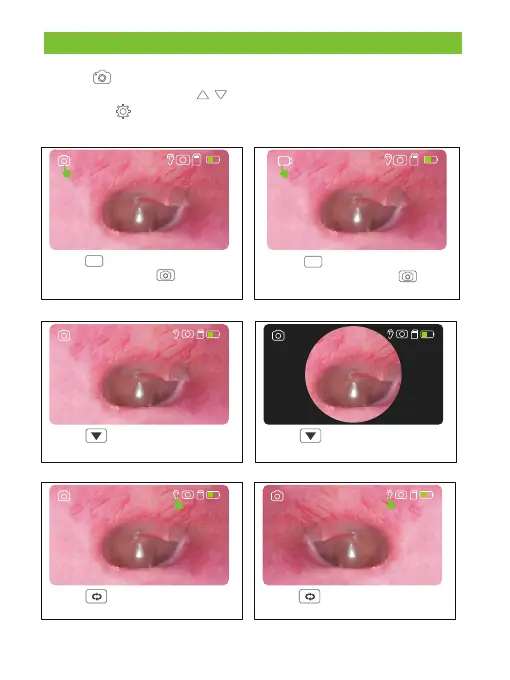
Take Photos
Press M to switch to the take
photos, and press to take
a photo.
Press M to switch to video
recording mode, press to
start recording.
Video Recording
2023-01-01 08:00 2023-01-01 08:00
USER MODE
Normal
Press to switch to the take
Notmal Mode
2023-01-01 08:00
Gyro Mode
2023-01-01 08:00
Press to switch to the take
Gyro Mode
Left
2023-01-01 08:00
Right
Press to switch to the take
Right Mode
2023-01-01 08:00
Press to switch to the take
Left Mode



 To Next Page