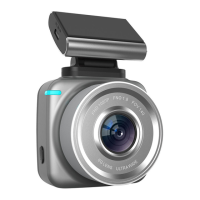
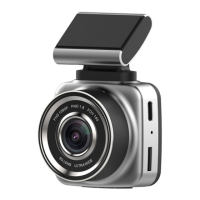
When the recorder is on standby, click on the icon in the
lower right corner with the touch screen enter Video
Mode and System Settings Menu,Select the last system
settings Icon ,You can enter the system settings. The
system menu is as follows:
2)volume:off/High / medium / low,
3)Clock setting:You can modify the year, month, day and
time. You can adjust the number by the up and down
arrows on the right side of the display screen and confirm
it by checking after adjustment.
4)Language choice:English/简体中文/繁体中文
5)Scintillation frequency:50Hz/60Hz
6)Automatic closing screen:off / 1 minute / 3 minutes, the
7)Protection sensitivity:off/High / medium / low,System
8)System reset Yes/No. Choosing "Yes" will remove all
your previous settings and restore them to the factory
default. Please choose carefully.

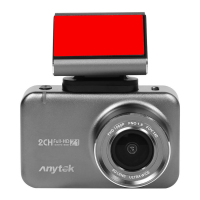

 To Next Page