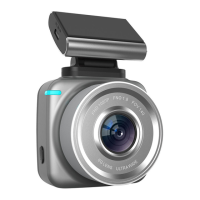
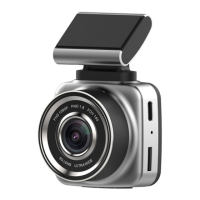
During WIFI connection, the upper right corner of the
display screen will be displayed. Icon,Default SSID:
ANTK-XXXX, PWA2:12345678,When the WLAN
function set by the mobile phone finds the camera device,
input the WIFI password and confirm the connection after
connecting, then open the installed APP client of the
mobile phone. After connecting to the APP, the functions
can be set, photographed and previewed.
This machine supports power supply by step-down line,
realizes real-time monitoring function of recorder by
using time-reducing video step-down line, connects
power supply to the safe box of automobile by step-down
line, does not occupy the cigarette lighter of automobile,
achieves beautiful and concealed effect.
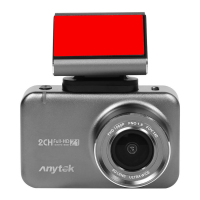
170 Degree High
Definition Wide Angle
Lens


 To Next Page