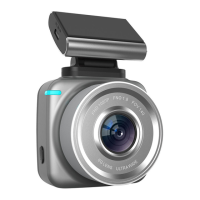
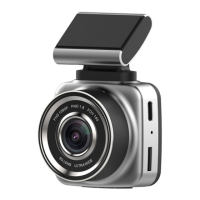
Power button(PWR):For boot(Short press)、Shutdown
(Long press);Short-press switch screen saver in
standby state,10 seconds long reset machine
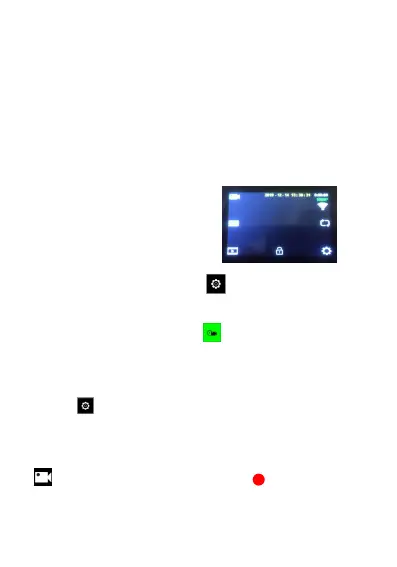
2)Click anywhere on the screen and a touch interface
appears as shown in the figure.
3)ouch the lower right corner Button Enter Menu
4)Click on the top left corner The icon enters the
basic function options of camera and clicks on the menu
of requirement to set the relevant content.。
5)click icon Enter the basic menu function options,
click on the menu of requirements to set relevant content.
5)Click on the top left corner of the main interface Icon
,You can start or stop recording. Start recording


 To Next Page