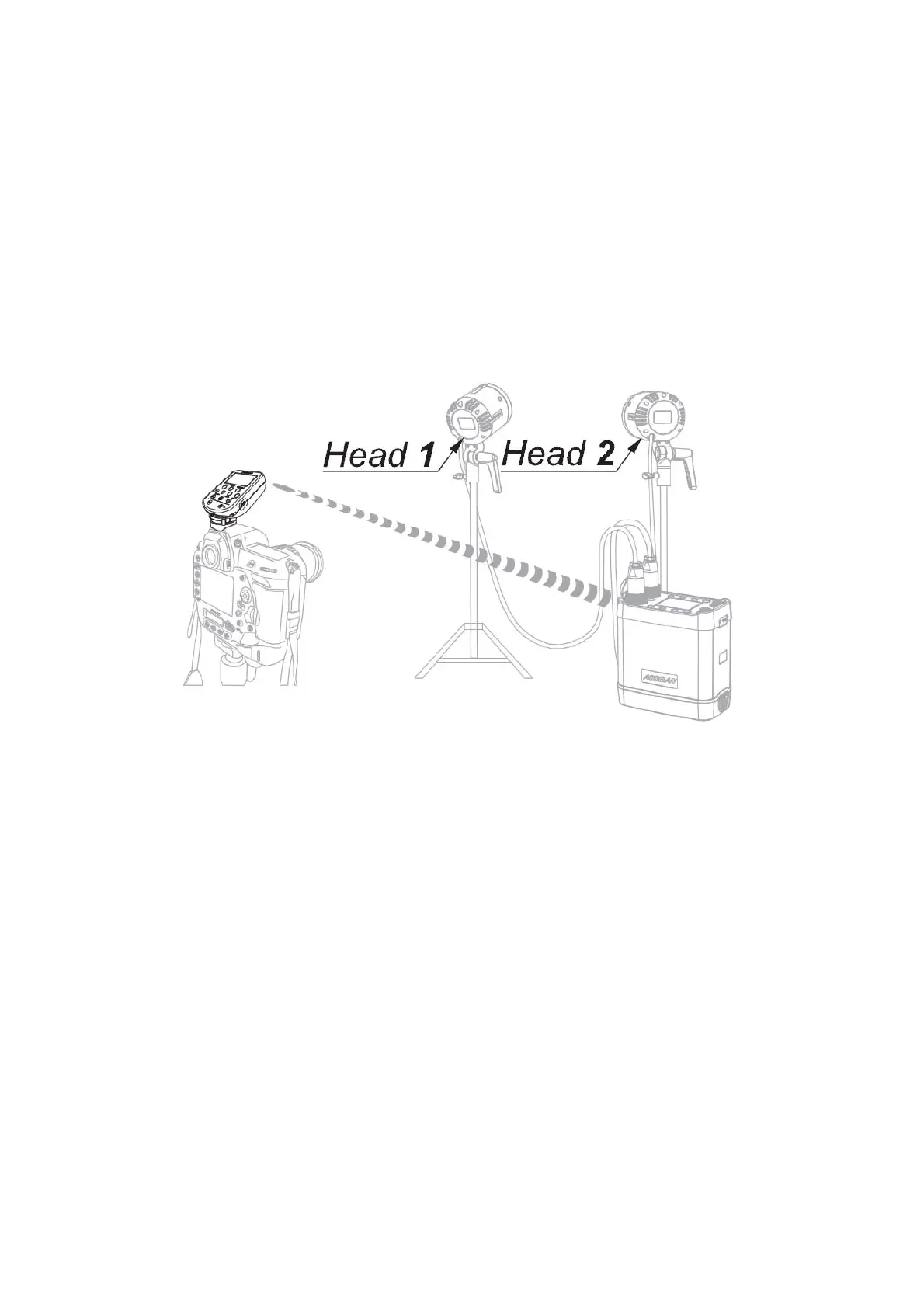
IV. Operating Instructions
Precautions for Use
Before starting all of the following operations please turn off E4 as well as the camera and flashes which
work with E4, and turn on all units after the connection is completed.
The following operations are all based on E4 is in standard state, the Indicator [10] blinks green.
1. Connect the E4 to the camera.
2. Set the flashes to synchronization via radio.
3. Set the E4 and the flashes to the same radio channel.
4. Select the same group settings (A/B or C) for all flash heads that shall be controlled simultaneously.
5. Press the Test Button [5] on the E4 to verify that the flash heads fire as expected.
6. Press the Mode Button [2] to toggle between TTL (Through the lens, Automatic) and M (Manual) mode.


 To Next Page