More settings
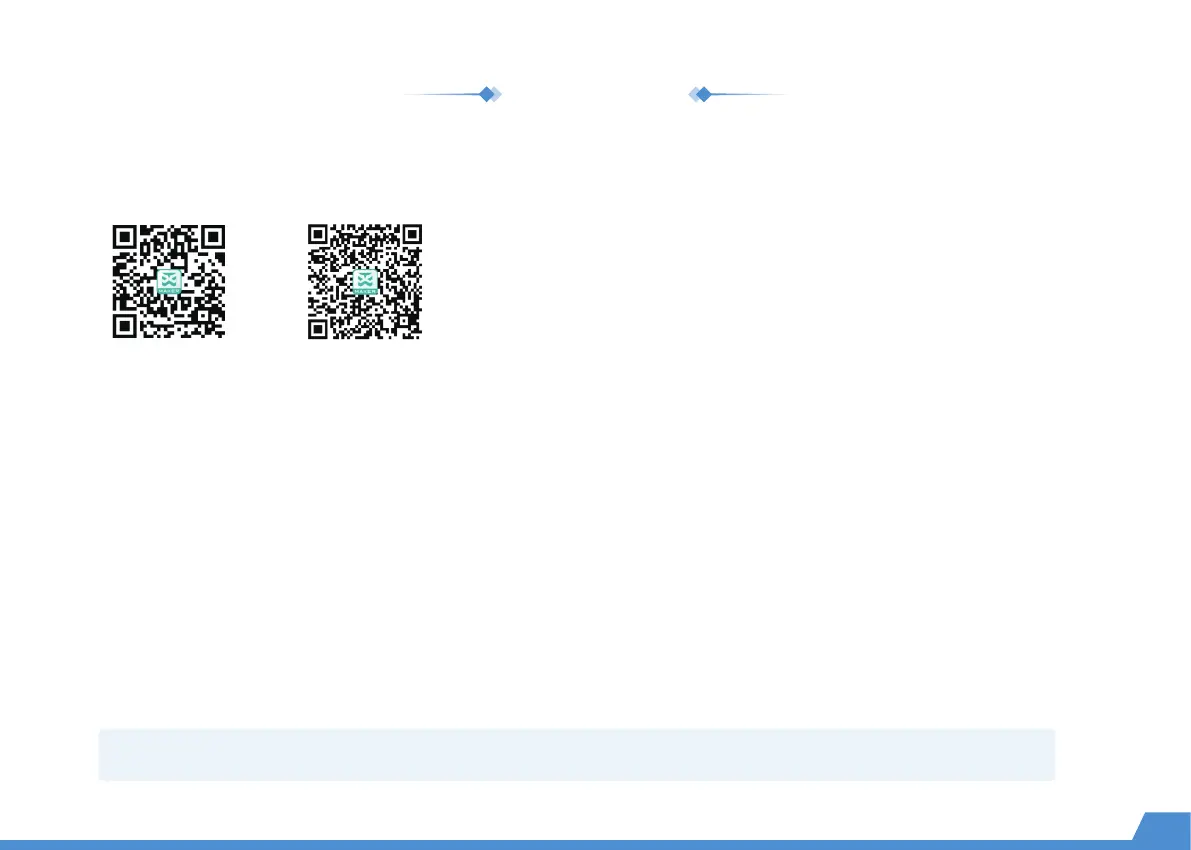
Here you can see a QR code for exploring courses, as well as a QR code for downloading X-MAKER App.
Help
Nozzle temperature, base plate temperature and XYZ coordinates are shown in this page.
Status
From here, you can know about X-MAKER 3D printer's name, model, firmware version and IP address.
· Product name: Printer's name can be changed.
· Version: Current firmware version can be viewed.
· Usage log: Logs for printing can be seen.
· IP address: Each printer's IP is unique, so it's convenient to connect with the X-MAKER App.
About
*It is not recommended to perform a "Factory Reset". Once it is performed, all records will be cleared.
18
Explore gameplay Download


 To Next Page
 Loading...