14
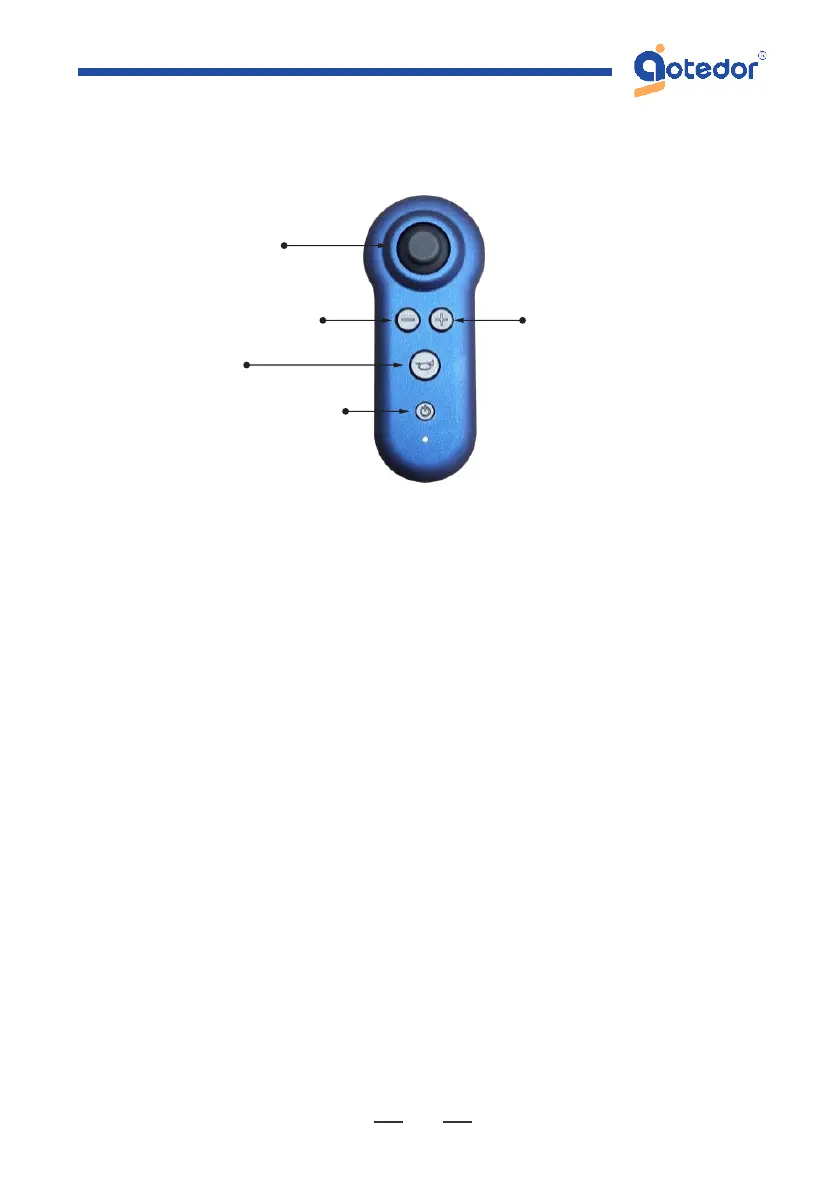
Way 2: Bluetooth remote control Connect
1.Turn on the power of the electric wheelchair. Press and hold the
power button on the Bluetooth remote control until the wheelchair
automatically pairs. The blue light will flash during pairing and stay
on when the pairing is
successful. The Bluetooth remote control can now be used to operate
the wheelchair. It is important to note that during operation, the
wheelchair controller takes priority over the Bluetooth remote control.
2.To turn off the Bluetooth remote control pairing with the wheelchair,
press and hold the remote control's power button until the blue light
disappears. Afterward, the wheelchair controller can be used..
Note: The Bluetooth remote control only works in electric but not
manual mode. It can only control functions like moving forward,
backward, and turning. It cannot fold or unfold the wheelchair.
Joystick
Deceleration
Horn
ON/OFF Button
Acceleration



 To Next Page