19
Requirements
Operating System
Windows 7 (64-bit) or later.
(Make sure you have Internet Explorer 10 or later installed.)
OS X El Capitan (10.11) or later.
RAM
4GB+
Processor
Intel Core i3 or better.
Recommended Intel Core i5 or i7.
Drive Space
500MB for installation.
Recommended 100GB+ for ample
recording storage.
Installation
MacOS
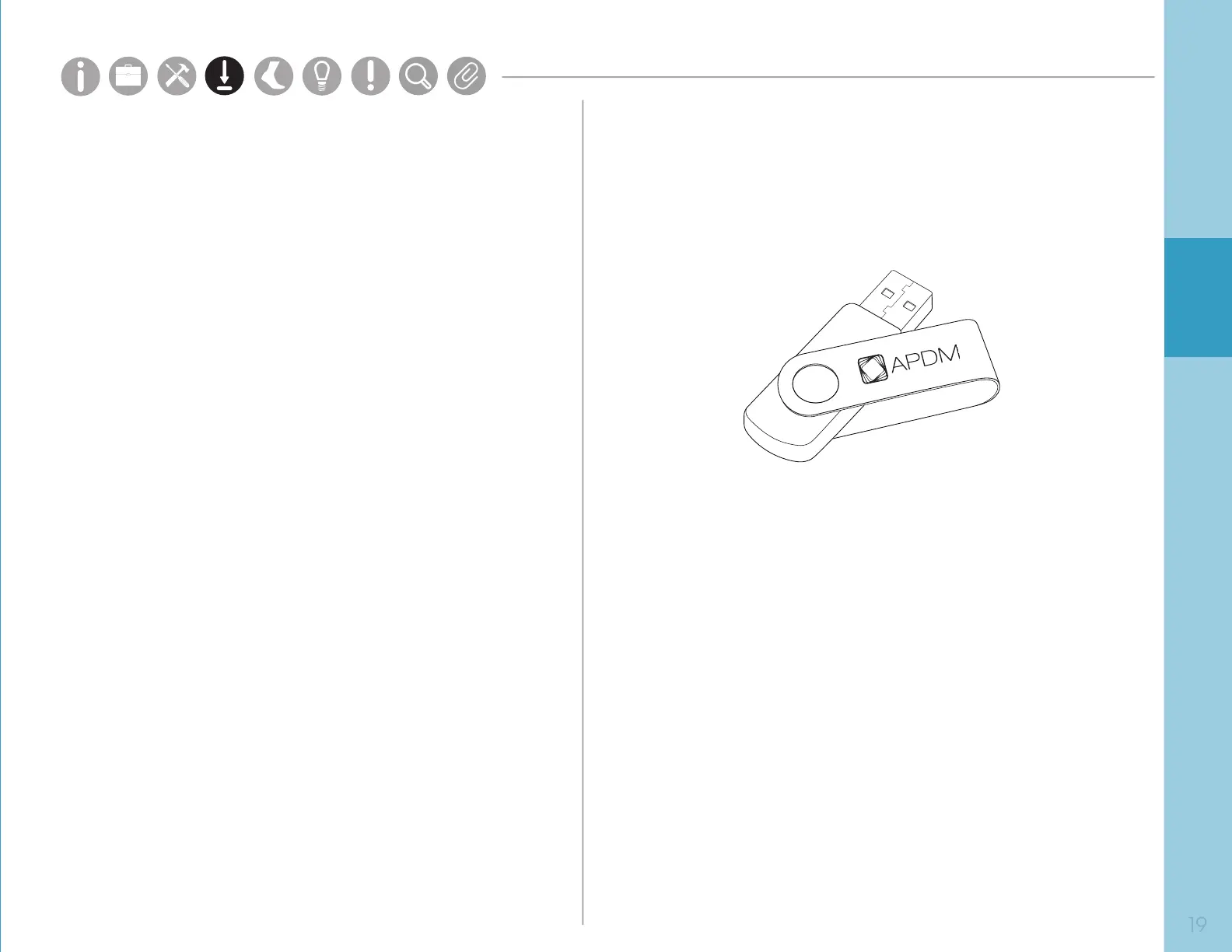
• Insert the provided USB drive into your computer.
Drag the Mobility Lab icon into the Applications
folder to install. Right click the Mobility Lab Icon in
your Applications folder and select “Open.” If you
receive a security warning, right click and select
“Open” a second time to launch the application. This
behavior is dependent on the version of MacOS you
are running and your specied security preferences.
Windows
• Insert the provided USB drive into your computer.
Double click on the setup le. This will guide you
through the installation process.
Parts
Setup M.L. How to
M.L. Software Download Troubleshooting
Hardware Cong
Tech Stats/Info
Parts
Setup M.L. How to
M.L. Software Download Troubleshooting
Hardware Cong
Tech Stats/Info
Parts
Setup M.L. How to
M.L. Software Download Troubleshooting
Hardware Cong
Tech Stats/Info
Parts
Setup M.L. How to
M.L. Software Download Troubleshooting
Hardware Cong
Tech Stats/Info
Parts
Setup M.L. How to
M.L. Software Download Troubleshooting
Hardware Cong
Tech Stats/Info
Parts
Setup M.L. How to
M.L. Software Download Troubleshooting
Hardware Cong
Tech Stats/Info
Parts
Setup M.L. How to
M.L. Software Download Troubleshooting
Hardware Cong
Tech Stats/Info



 To Next Page