32
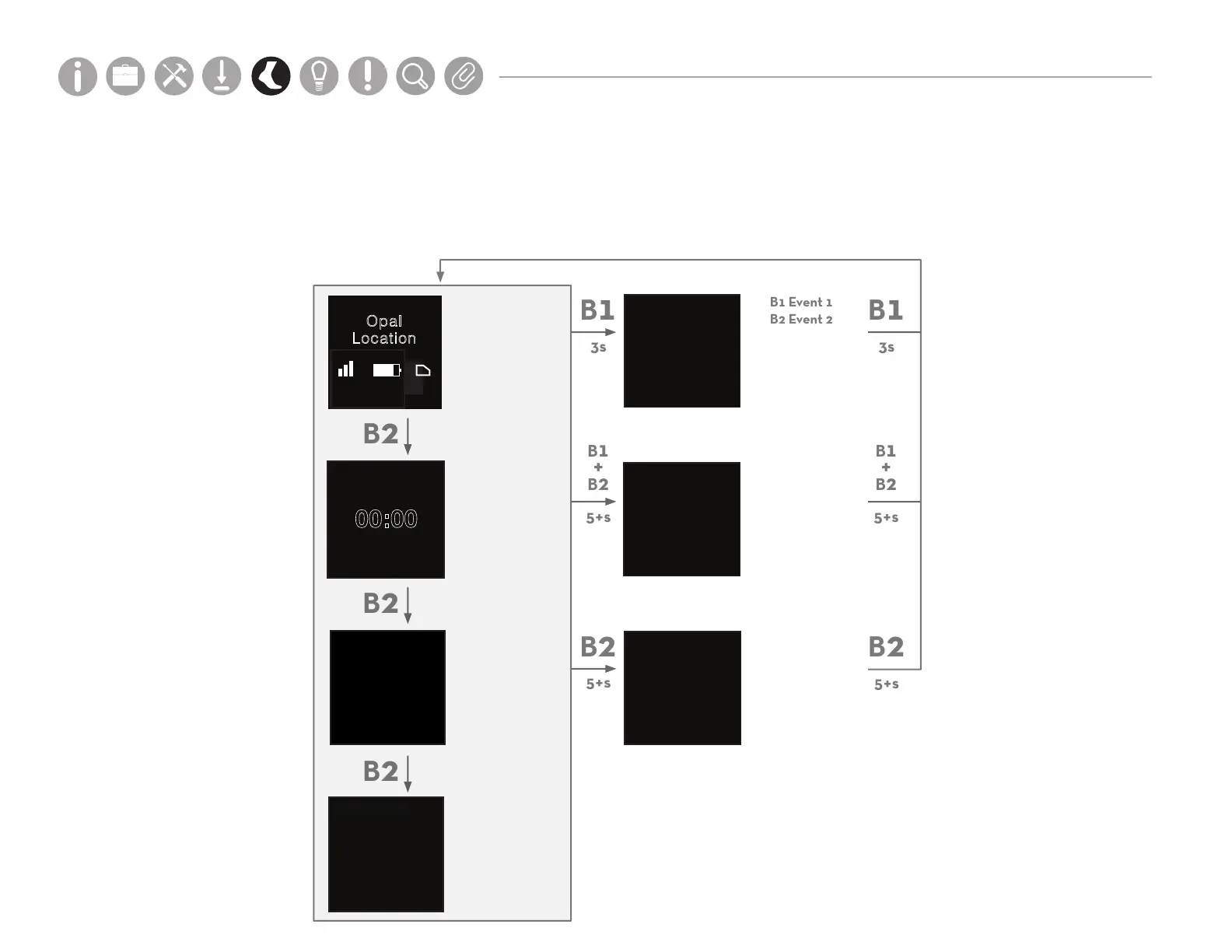
Opal Screen Interface
The screen interface on the Opal Sensors provides important information about the registration and operating state of the
hardware. The table below shows the navigation to dierent screens on the interface. Navigation of these screens is not required
to complete a test.
Main Screen
Body Location
Wireless Signal
(RSSI)
Battery Life
Onboard Data Storage
Device
Information
Time + Date
Event Logging
Debug Mode
(Diagnostics and
troubleshooting)
Power Menu
(Manual sleep and
power o)
Device Status
hh:mm0-100
Opal
Location
00:00
00
0000-00-00
AM
EVENT
Name of event 1
Name of event 2
DEBUG MODE
POWER MENU
Error States
hh:mm0-100
Parts
Setup M.L. How to
M.L. Software Download Troubleshooting
Hardware Cong
Tech Stats/Info
Parts
Setup M.L. How to
M.L. Software Download Troubleshooting
Hardware Cong
Tech Stats/Info
Parts
Setup M.L. How to
M.L. Software Download Troubleshooting
Hardware Cong
Tech Stats/Info
Parts
Setup M.L. How to
M.L. Software Download Troubleshooting
Hardware Cong
Tech Stats/Info
Parts
Setup M.L. How to
M.L. Software Download Troubleshooting
Hardware Cong
Tech Stats/Info
Parts
Setup M.L. How to
M.L. Software Download Troubleshooting
Hardware Cong
Tech Stats/Info
Parts
Setup M.L. How to
M.L. Software Download Troubleshooting
Hardware Cong
Tech Stats/Info
FCC ID XXXXXXX
CE
...



 To Next Page