EasyManua.ls Logo

Apex Digital EZ Sander EZ3760M - User Manual

Apex Digital EZ Sander EZ3760M
71 pages
Print Icon
To Next Page IconTo Next Page
Loading...
by
Operation Manual
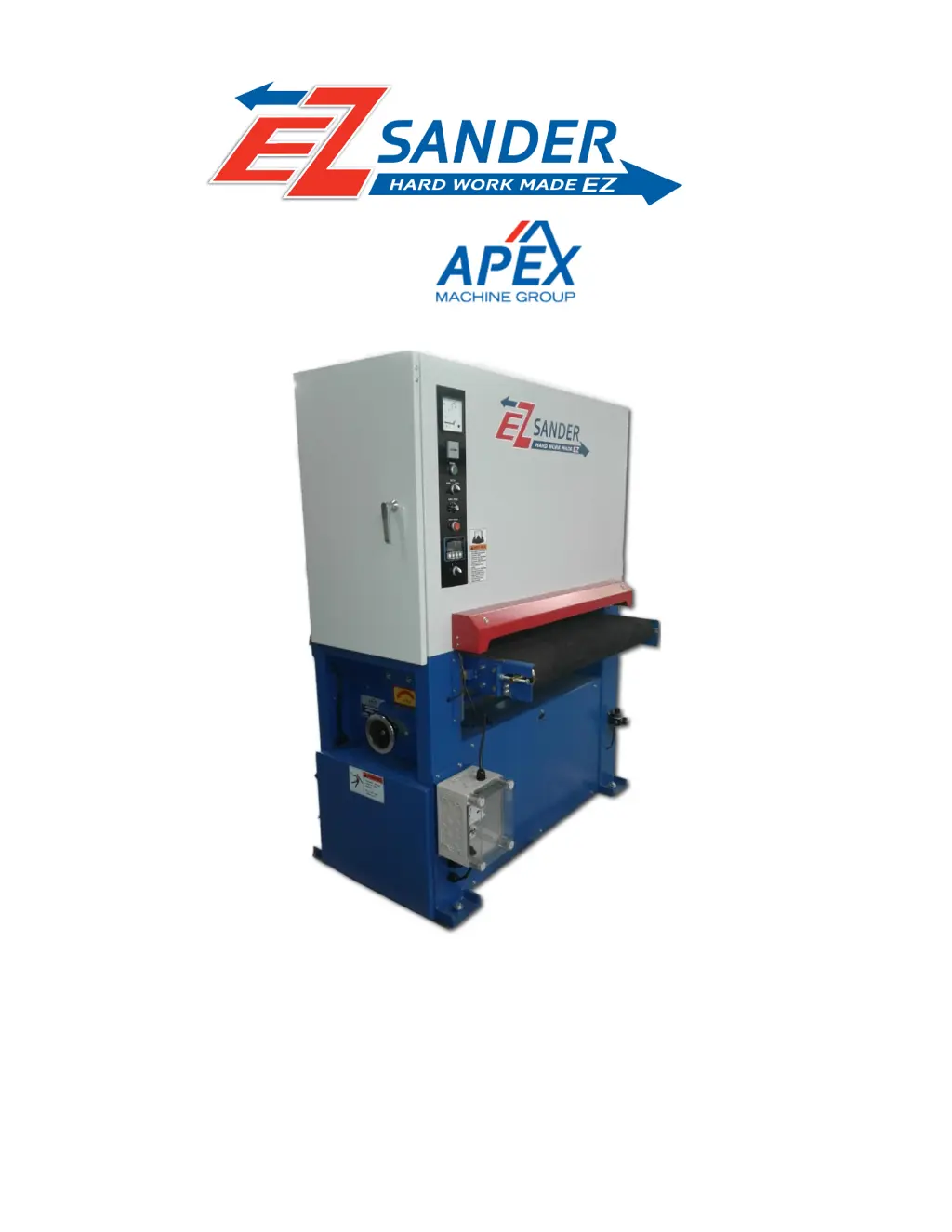
Machine Model EZ3760M
Metal

Questions and Answers

  • M
    Mary OrtizAug 19, 2025
    Why Apex Digital Sander sanding belt clogs too quickly?
    • C
      Christopher MilesAug 19, 2025
      The sanding belt might be clogging too quickly because the grit is too fine, too much material is being sanded off, the wood is too oily or moist, or there's too much dirt or glue on the wood. To resolve this, try a larger grit sanding paper, reduce the amount of material you're removing, choose different or cleaner stock, or allow the wood to dry before sanding.
  • K
    Kathy SimpsonAug 21, 2025
    What to do if Apex Digital Sander will not start?
    • L
      Larry KingAug 21, 2025
      If your Apex Digital Sander won't start, it could be due to no incoming power, low voltage, loose wiring, a defective starting switch, or a defective motor. Check that the sander is connected to a power source, fuses are intact, and circuit breakers haven't tripped. Also, verify the voltage at the power source and inspect the sander for any loose connections. If these steps don't resolve the issue, the switch or motor might need to be replaced.
  • M
    Mike MorganAug 23, 2025
    What to do if sanding belt will not run or slips on roller of Apex Digital EZ EZ3760M?
    • N
      Nancy LangAug 23, 2025
      If the sanding belt on your Apex Digital Sander won't run or slips, check if the emergency stop button is engaged and disengage it. Also, ensure the sanding belt is positioned between the limit switches and that the air pressure regulator is set between 75 to 80 PSI. Finally, inspect and clean the conveyor rollers of any dust or debris.
  • J
    Joseph MendozaAug 26, 2025
    What to do if Apex Digital EZ EZ3760M Sander workpiece slips on conveyor belt?
    • K
      Kimberly SchaeferAug 26, 2025
      If the workpiece slips on the conveyor belt of your Apex Digital Sander, it may be due to insufficient pressure between the hold-down roller and the workpiece, too much dust or debris on the conveyor belt, or a rear pressure bar that is too low. Try increasing the pressure between the hold-down roller and the workpiece. Clean the conveyor belt with compressed air. Raise the rear hold-down roller until proper contact is achieved.
  • R
    Roberta Smith MDAug 28, 2025
    Why Apex Digital EZ EZ3760M Sander machine takes too long to stop after emergency switch is activated?
    • G
      Gregory GoodmanAug 28, 2025
      If your Apex Digital Sander takes too long to stop after the emergency switch is activated, the air pressure might be too low, or the brake pads could be worn. Set the air pressure to 75 to 80 PSI and replace the brake pads.
  • R
    Ryan CoxAug 30, 2025
    How to fix Apex Digital EZ EZ3760M sanding belt keeps tripping limit switch?
    • A
      April NelsonAug 30, 2025
      If the sanding belt keeps tripping the limit switch on your Apex Digital Sander, the tracking adjustment/oscillation may not be correct, or dust may be covering the photo eye. Set the tracking correctly and clean any dust from the photo eye.
  • A
    Amanda MurphySep 1, 2025
    What causes glossy spots on the wood with Apex Digital EZ EZ3760M Sander?
    • G
      Gordon VasquezSep 1, 2025
      Glossy spots on the wood after using the Apex Digital Sander may appear if the sanding belt is too old. Replace it with a new sanding belt.
  • K
    karenpattersonSep 3, 2025
    How to fix 'snake' marks on workpiece with Apex Digital EZ EZ3760M Sander?
    • A
      Alex DawsonSep 3, 2025
      If you notice 'snake' marks on the workpiece after using the Apex Digital Sander, it may be due to local damage to the sanding belt. Replace the sanding belt.
  • C
    Carol WareSep 5, 2025
    How to fix straight strip of notches or grooves in the workpiece with Apex Digital EZ EZ3760M Sander?
    • T
      Todd WhiteSep 5, 2025
      If you notice a straight strip of notches or grooves in the workpiece after using the Apex Digital Sander, it could be due to dirty hold-down rollers, a scratched contact drum, or worn graphite strip and felt pad. Clean the hold-down rollers and replace the contact drum, graphite strip and pad.
  • M
    Marissa HallSep 7, 2025
    What causes grinding noise when brake is activated on Apex Digital EZ EZ3760M Sander?
    • A
      Alicia MillerSep 7, 2025
      A grinding noise when the brake is activated on your Apex Digital Sander likely indicates that the brake pads are worn. Replace the brake pads; the rotor may also need turning.

Summary

Warranty and Service

Warranty Details and Service Procedures

Covers warranty terms, coverage, period, and how to get service.

Safety Guidelines

Pre-Operation and Workplace Safety

Covers PPE, safe environment, and awareness.

Safe Operating Practices

Safe handling, attention, and machine usage.

Setup and Installation

Sanding Belt Operations

Machine Adjustments

Operation and Controls

Maintenance and Troubleshooting

Maintenance Procedures and Safety

Guidelines for regular maintenance and safety precautions.

Troubleshooting Common Issues

Common problems and their solutions, including startup and belt issues.

Troubleshooting Specific Problems

Detailed steps for startup, reset, and tracking issues.

Replacement Parts and Documentation

Scheduled Maintenance Log

Outlines a regular maintenance schedule.

Electrical and Pneumatic Systems

VFD Parameter Tables

Settings for the Variable Frequency Drive.

Apex Digital EZ Sander EZ3760M Specifications

General IconGeneral
BrandApex Digital
ModelEZ Sander EZ3760M
CategorySander
LanguageEnglish