Instruction Manual
Page 5
on or off by inserting or removing the plug from
the input jack. Simply removing the plug from
your instrument does not turn off the Aphex unit.
c. Instrument Output
Connect this output to your amp’s input jack using
a good quality guitar cord. Use the same jack and
active/passive settings on your amplifier as you
would use if plugging the instrument directly into the
amp. That way, you’ll get normal volume and tone
when you switch the effect off, and your instrument
passes directly through the box to your amp’s input.
d. D.I. Output
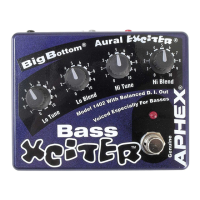
Yes, your Xciter™ comes with a super quality bal-
anced D.I. output! Pin 2 of the XLR is hot while pin 3
carries a balancing impedance to set up a true bal-
anced line. Pin 1 is grounded through the ground-
lift switch. The D.I. output can be connected to the
microphone input of any preamp or sound mixer and
runs a level of typically -50 to -60 dBu depending
on your instrument’s volume setting. You can switch
the D.I. output to either wet (with effect) or dry (with-
out effect) buffered balanced output. The D.I. output


 To Next Page