13English
•
• W – Android
•
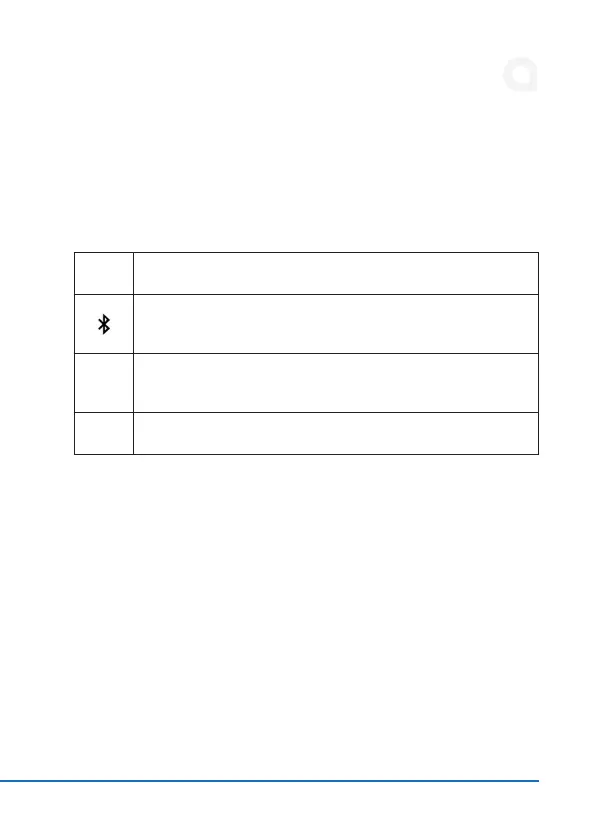
5. LED display
6. Start-up
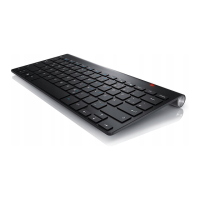
Remove the Bluetooth keyboard from its packaging and fully charge it before using
the Bluetooth keyboard. Then connect the USB plug to a suitable charging source
-
tooth keyboard from the power source to avoid constant recharging. To maintain
CAPS
3 minutes for safety reasons.
Charge
Lights red while the keyboard is charging. When the LED goes out,
Power
Lights up blue for about 5 seconds when the keyboard is switched
on.


 To Next Page