T: +44(0)1638 510900 digitalsignage.anders-kern.co.uk E: airgoo@anders-kern.co.uk
T: +44(0)1638 510900 digitalsignage.anders-kern.co.uk E: airgoo@anders-kern.co.uk
2.2.4 : Changing the content displayed by a specific Group of Displays
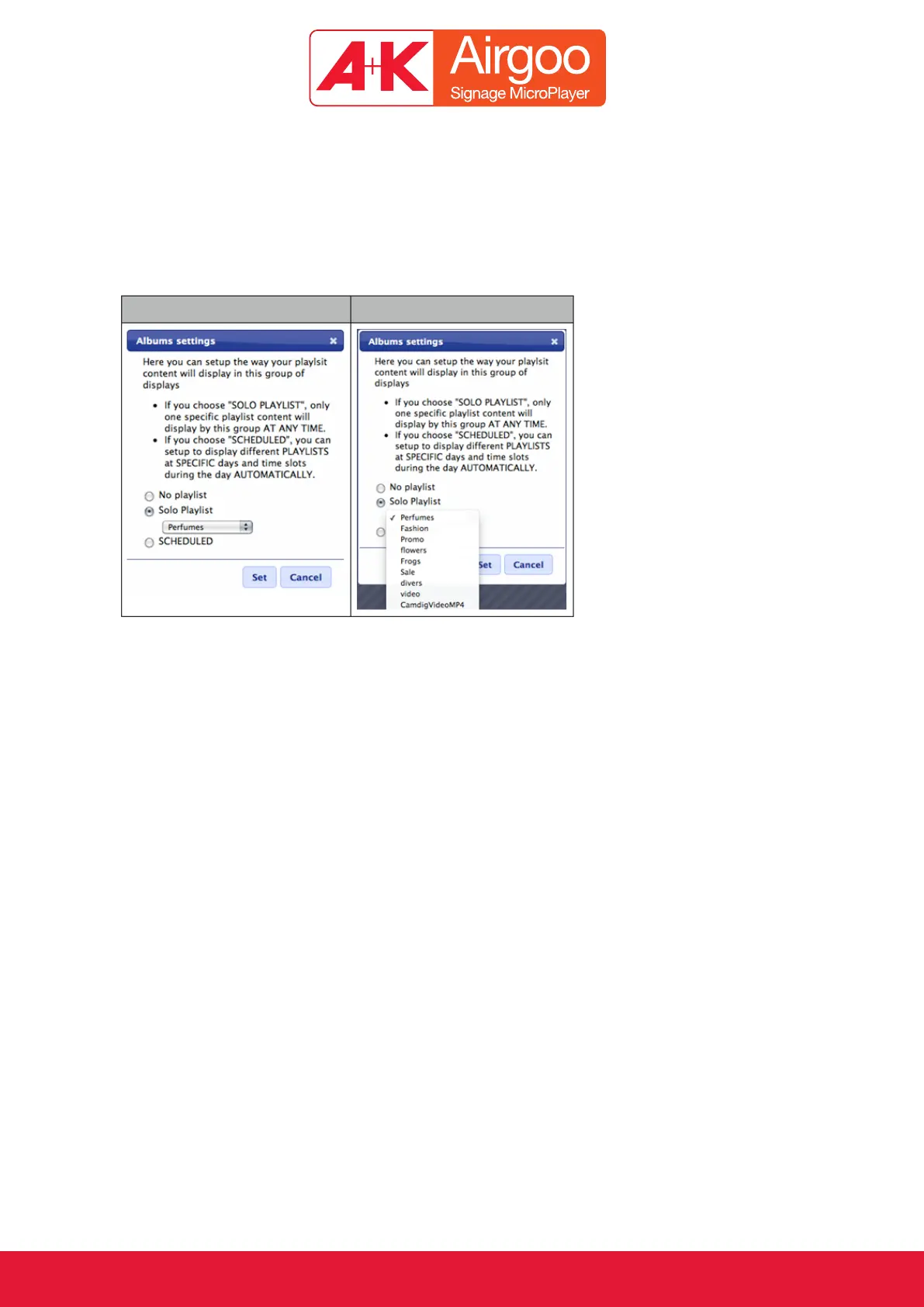
To change the content linked to a Group, click on the “PLAYLISTS” icon to display the “Playlists
settings” menu.
Solo Playlist: a drop down menu will show all the available playlists to choose from.
Ticking “SCHEDULED” will open a scheduler with which we can program specific content at
specific times of the day. Different scheduled Playlists can be programmed separately for each
day of the week.



 To Next Page