T: +44(0)1638 510900 digitalsignage.anders-kern.co.uk E: airgoo@anders-kern.co.uk
T: +44(0)1638 510900 digitalsignage.anders-kern.co.uk E: airgoo@anders-kern.co.uk
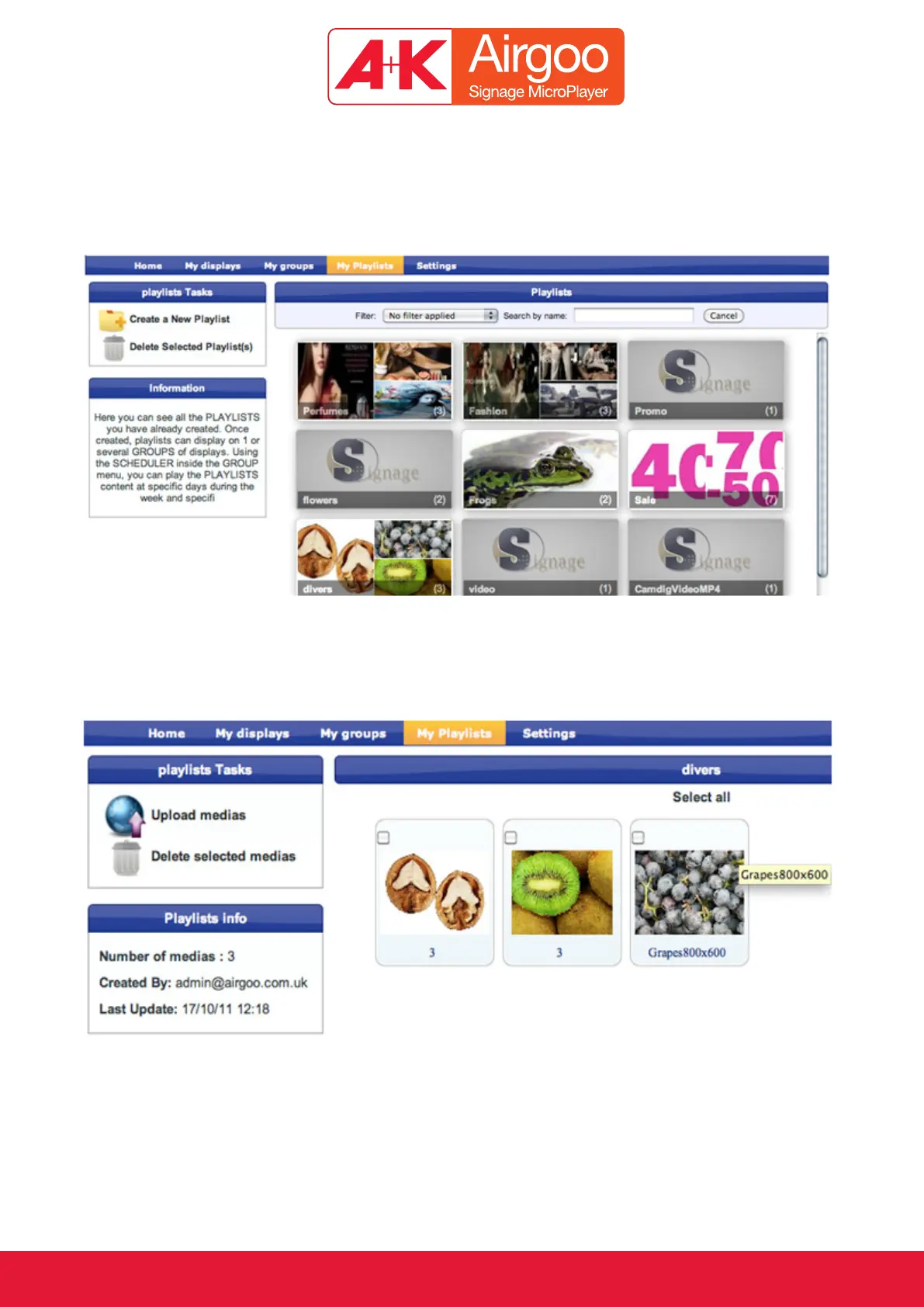
2.2.5. The “My Playlist” section
The first page in the “My Playlist” section lists all the pictures or videos contained in each Playlist;
by clicking on the box we will see to which Groups the Playlist is linked to.
By selecting a specific Playlist we can then see the photos or the name of the videos in that
Group. We can can also modify the content of that Playlist by uploading or deleting pictures or
videos.



 To Next Page