ONE Quickstart Guide
12
support.apogeedigital.com
Set up GarageBand ‘09
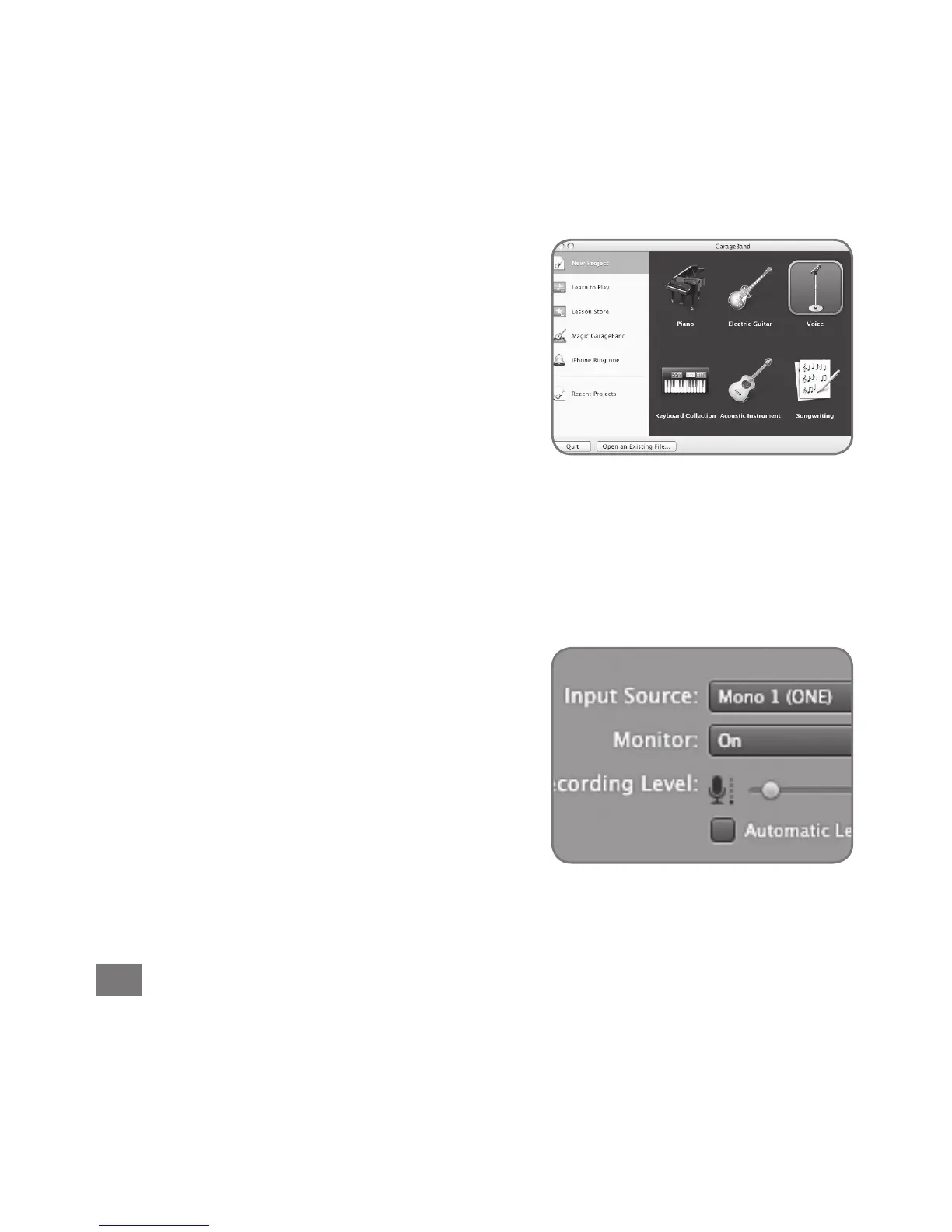
OpenGarageBand,foundinyourMac’s
Applicationsfolder.IntheProjectWindow
that appears during launch, click Voice or
Acoustic Instrument then click Choose to
create an audio track.
InGarageBand,double-clicktheTrackheader
to show the Track Info pane. At the top of the
pane, click Real Instrument. At the bottom
of the pane, select Mono 1 (ONE) in the Input
Source menu and select On in the Monitor
menu.



 To Next Page