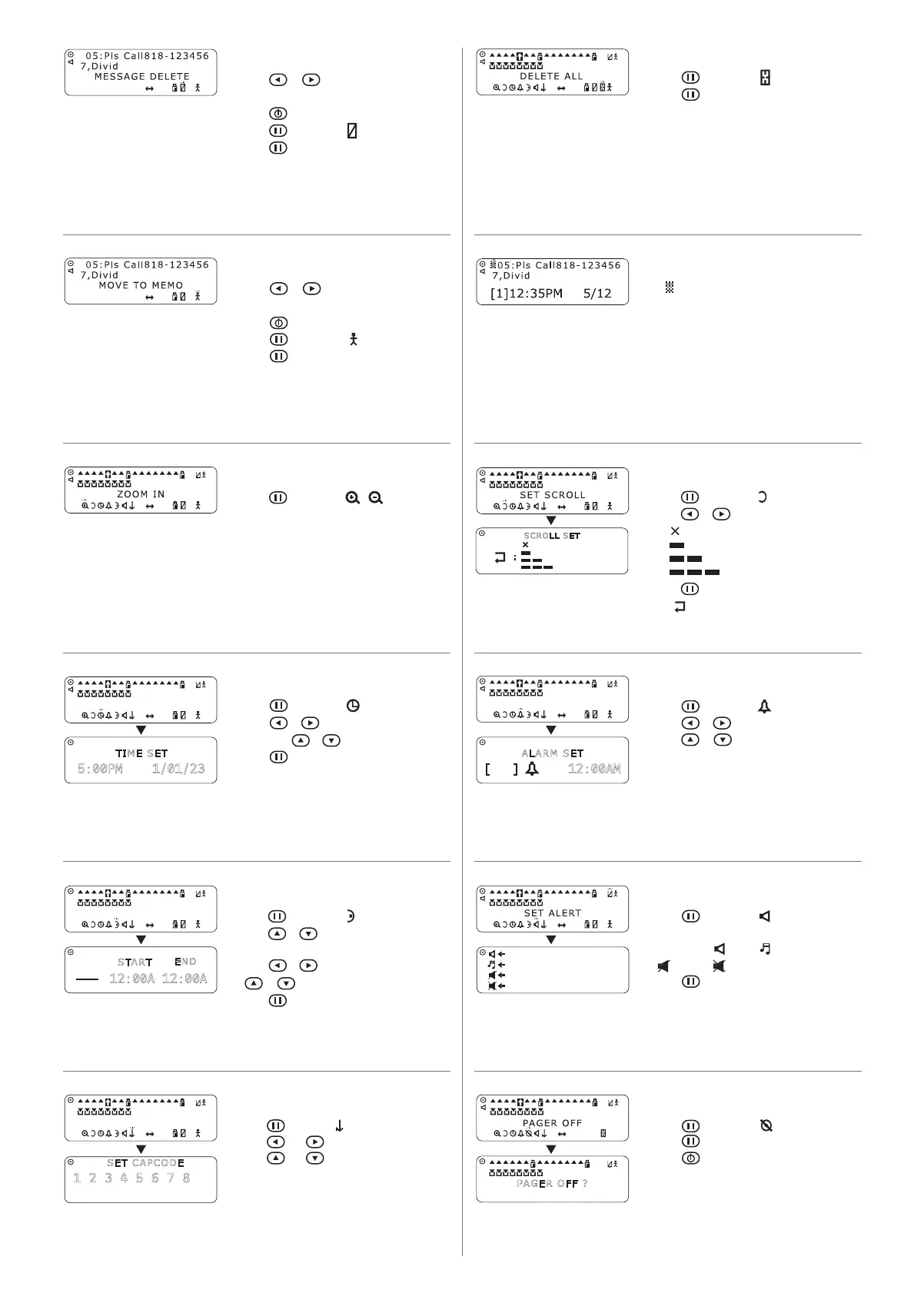
1. Press , then select .
• Press to turn the pager on.
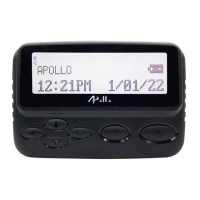
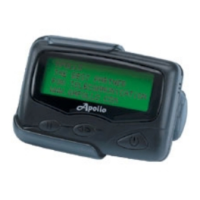
TURN ON / OFF THE PAGER
message indicates the message is an Error
message.
ERROR MESSAGE
1. Press and select .
2. Press and to move the cursor.
3. Press and
CAPCODE SET
1. Press , then select / .
• Zoom in: 2 lines in a page.
• Zoom out: 4 lines in a page.
ZOOM IN / OUT
1. Press , then select .
2. Press or to select the scroll speed.
(1
(2) Slow
(3) Normal
(4) Rapid
SET SCROLL
1. Press or to move the cursor to the
message you want to store.
2. Press to read the message.
3. Press , then select .
4. Press again to move the message to
memo message folder.
MOVE MESSAGE TO MEMO
1. Press or to move the cursor to the
message you want to delete.
2. Press to read the message.
3. Press , then select .
4. Press again to delete the message.
DELETE MESSAGE
1. Press , then select .
2. Press or to move the cursor,
SET TIME
SET TIME
1. Press , then select .
2. Press or to move the cursor.
SET ALARM
SET ALARM
1. Press , then select .
feature.
3. Press or to move the cursor,
AUTO SLEEP SET
AUTO SLEEP SET
CACODE SET
1. Press , then select .
2. Press again to delete all message, except
locked and unread messages.
DELETE ALL MESSAGE
1. Press , then select .
you desire. ( Alert , Melody,
SET ALERT
VIBRATE / VIBRATE THEN BEEP
SILENT / FLASH ONLY
SET CAPCODE
1 2 3 4 5 6 7 8
ALARM SET
[ ] 12:00AM
TIME SET
5:00PM 1/01/23
PAGER OFF ?
END
12:00A 12:00A
START
Slow
Normal
Rapid
SCROLL SET
:


 To Previous Page
 Loading...