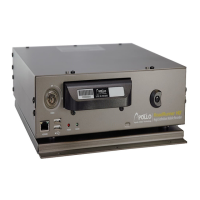
RoadRunner Installation Guide
Laptop Configuration: Step 2 & 3
1331-118th Ave SE, Ste 300 - Bellevue, WA 98005
Tel: 425.453.0430 / Fax: 425.453.0959
www.avt-usa.com
Page 10
2. On the Control Panel, select Network Connections, and either press the
ENTER key, or double-click with the mouse.
3. On the Network Connections screen, select Local Area Connection,
then click the right hand button on the mouse and select Properties.


 To Next Page