APPEAR AS Confidential 218/352
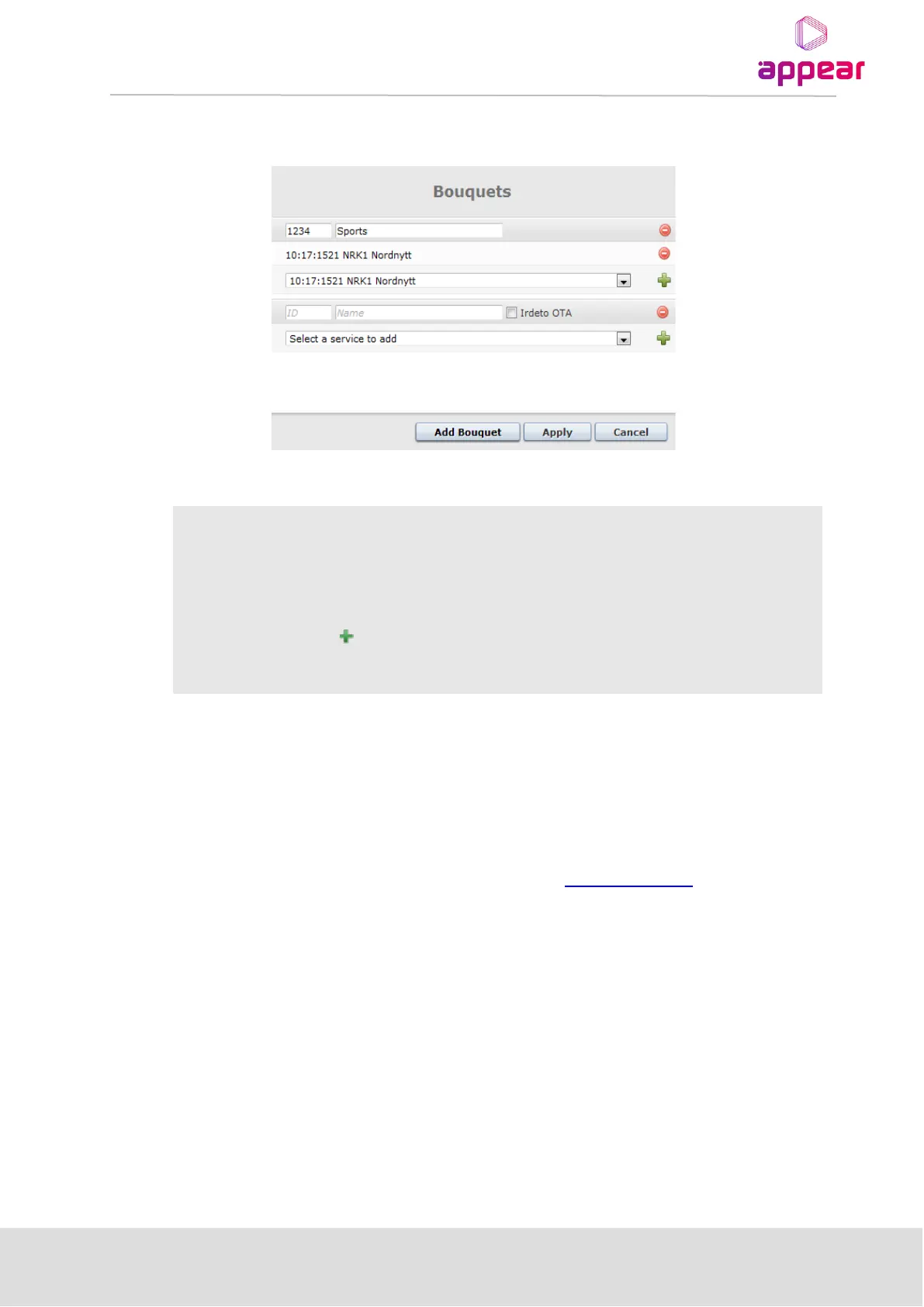
Irdeto has defined a special bouquet which is used for STB software download. To add this use the Irdeto OTA
check box. It is only possible to add one Irdeto OTA bouquet.
Service can be selected from the drop down available list of service from Input
port. This parameter is empty if the service is added manually by clicking on the
button.
8.6.6 EDITING THE TOT LOCAL TIME OFFSET DESCRIPTOR
It is possible to use Time Zones for automatic generation and updating of the Local Time Offset descriptor.
Once the correct Time Zone information has been loaded to the unit, the PSI Base Value tab will present these
and the user can edit the Time Offset Table (TOT) and generate information for several Countries/Regions.
If you required the Time Zone file for a given region, please contact support@appear.net . This file can be
installed from the Maintenance Center, by selecting and uploading to the MMI slot.



 To Next Page