The DataLink 1200 must be programmed with the correct
answer pattern prior to scoring answers sheets. To program the
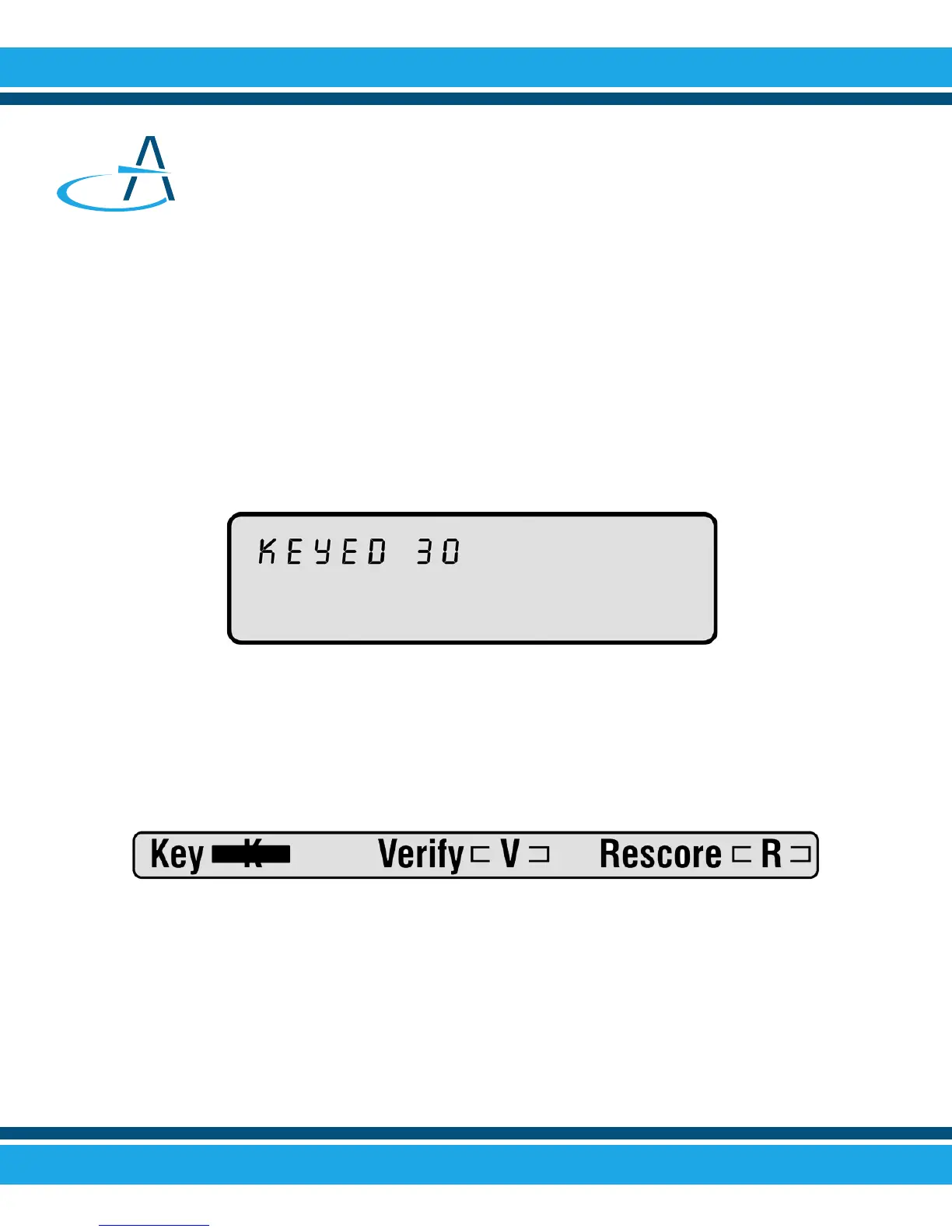
scanner, simply insert the teacher key. When properly keyed,
the scanner will display the number of questions keyed on the
display window and you may begin inserting answers sheets for
scoring. The DataLink 1200 will score up to 200 questions.
Scoring Tests
Preparing the Key
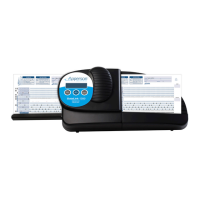
To designate an answer sheet as a key, mark the Key bubble
[K] in the keyline as shown below.
When the Verify [V] option is marked on the keyline,
correct answers are printed on individual student answer sheets.
If the Verify [V] bubble is not marked, a dash (-) prints next to
incorrect responses.
2


 To Next Page