34 Chapter 2 Getting to Know Remote Desktop
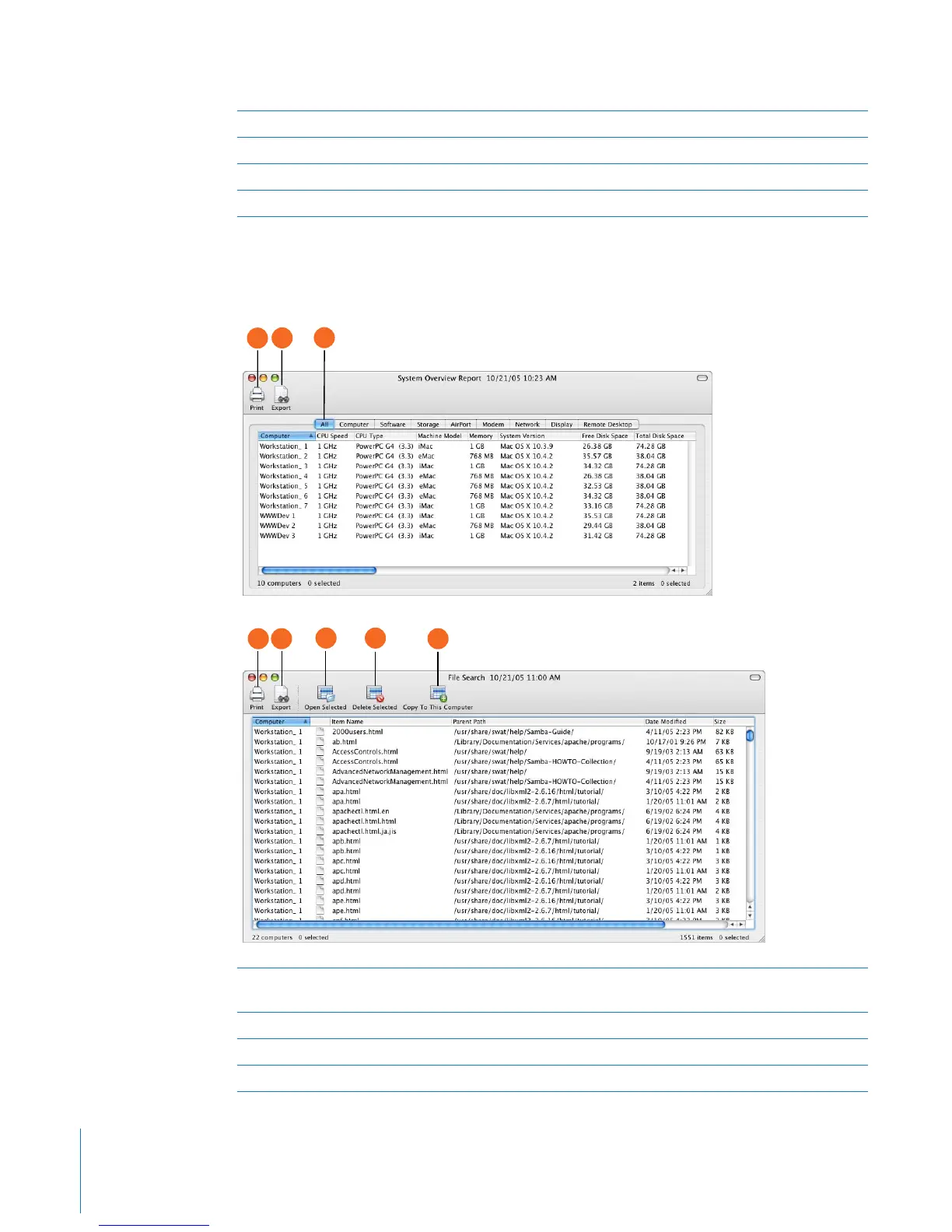
Report Window
Reports serve as valuable shortcuts when you’re copying files and organizing computer
lists.
G Computer status: Shows basic computer status beneath each client screen.
H Cycle through pages: Manually advances to the next page of screens.
I View Options: Reveals the view option controls.
J Observed computers: Contains the scaled desktops of the observed client computers.
A Report category: Most reports have subcategories to help you find the information you want.
In the report window, you switch between the subcategories using these tabs.
B Save report to file: Saves the report to a plain text file.
C Print: Formats and prints the report window.
D Open selected: Opens the item selected in the report. The item opens on the client computer.
B
A
C
B
C
D E
F



 To Next Page