28 - Apple Cinema Display (20-inch) Take Apart
Touch Switches
Touch Switches
Tools
This procedure requires the following tools:
• #2 Phillips screwdriver
• black stick (nylon probe tool 922-5065)
• white cotton gloves (922-1592) (to prevent fingerprints on cosmetic surfaces)
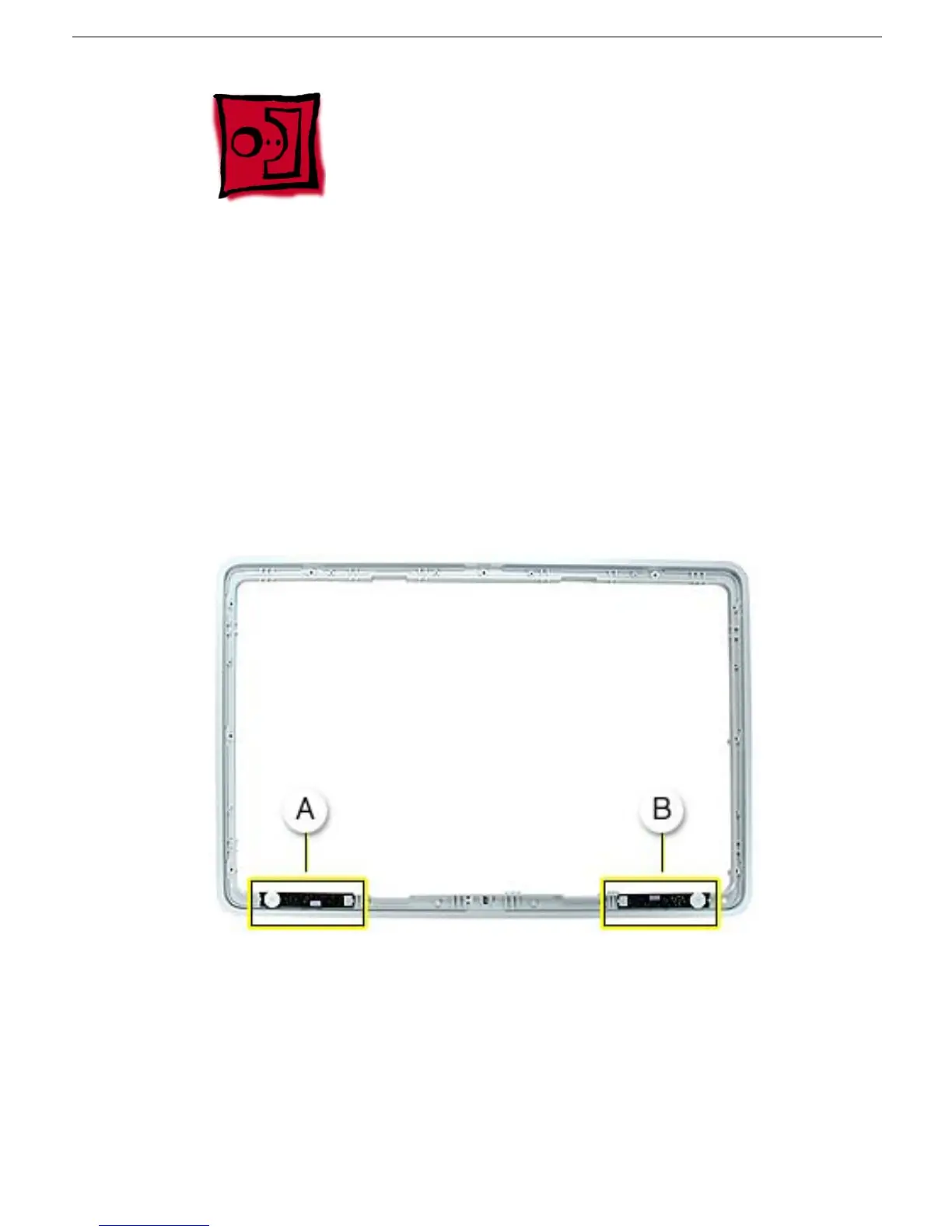
Part Location
Note: The launch switch board (A) and the power switch board (B) are identical.
Preliminary Steps
Before you begin, do the following:
• Remove bezel
Note: If inspecting or replacing the touch switch cables, also remove the EMI shield.



 To Next Page