16 -
Cinema HD Display (23-inch DVI) Take Apart
End Caps
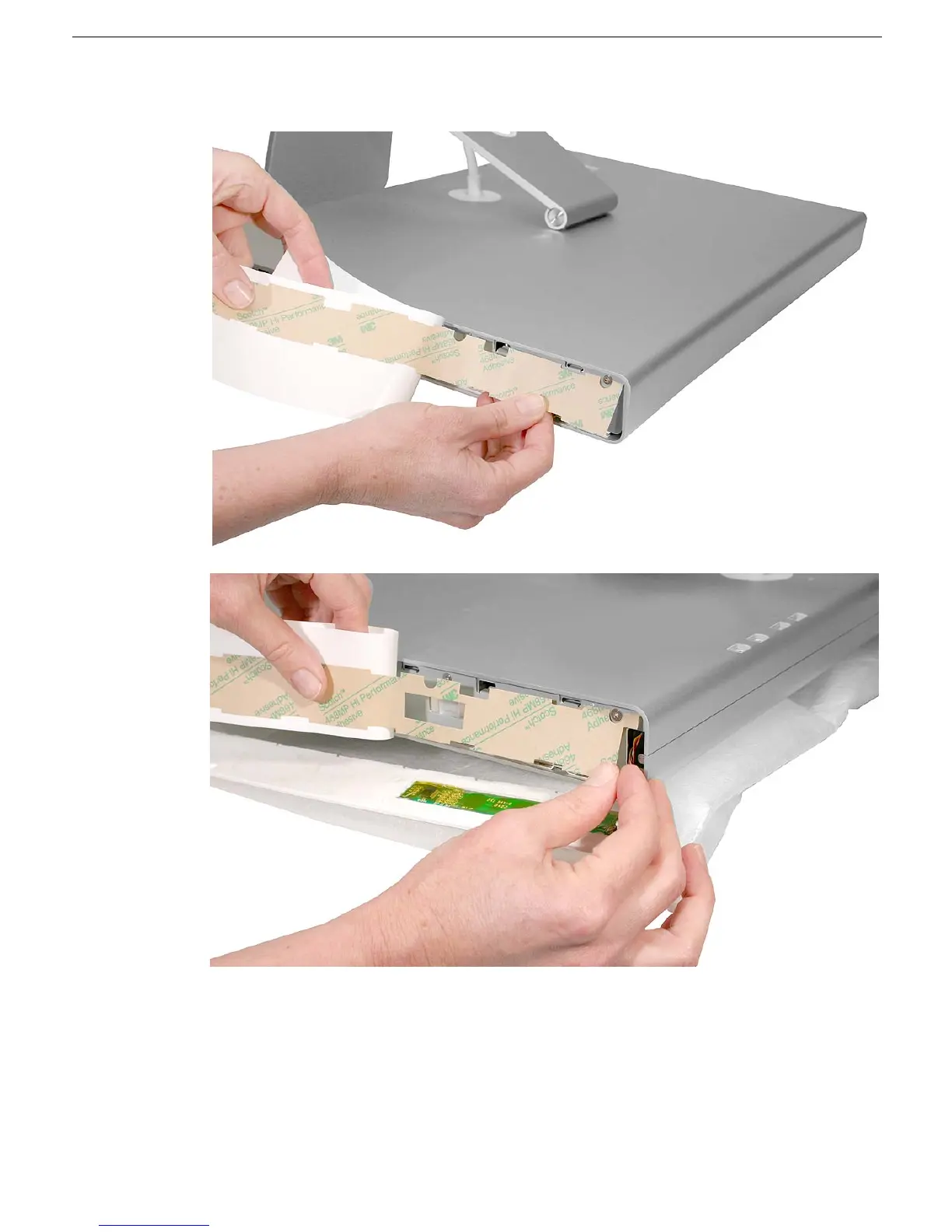
7. Apply double-sided tape on the side channels.
8. With the tape in place on the side channels, peel off the tape backing.
9. Make sure the notches on the end cap match the slots in the side channel.
10. Stick the matching replacement end cap onto the side channel.
Replacement Note:
Make sure the end caps are secure and completely level along
the length of the sides of the display.



 To Next Page