22 -
Cinema HD Display (23-inch DVI) Take Apart
Display Housing
Preliminary Steps
Before you begin, remove the following:
• End caps
• Side channels
Important:
During this procedure handle the display assembly by the outer edges only.
Do not strain the cables or touch the face of the LCD panel.
Procedure
1. Prepare a clean surface with an ESD mat or cloth. (After removing the display
housing, you will place the display assembly on the mat.)
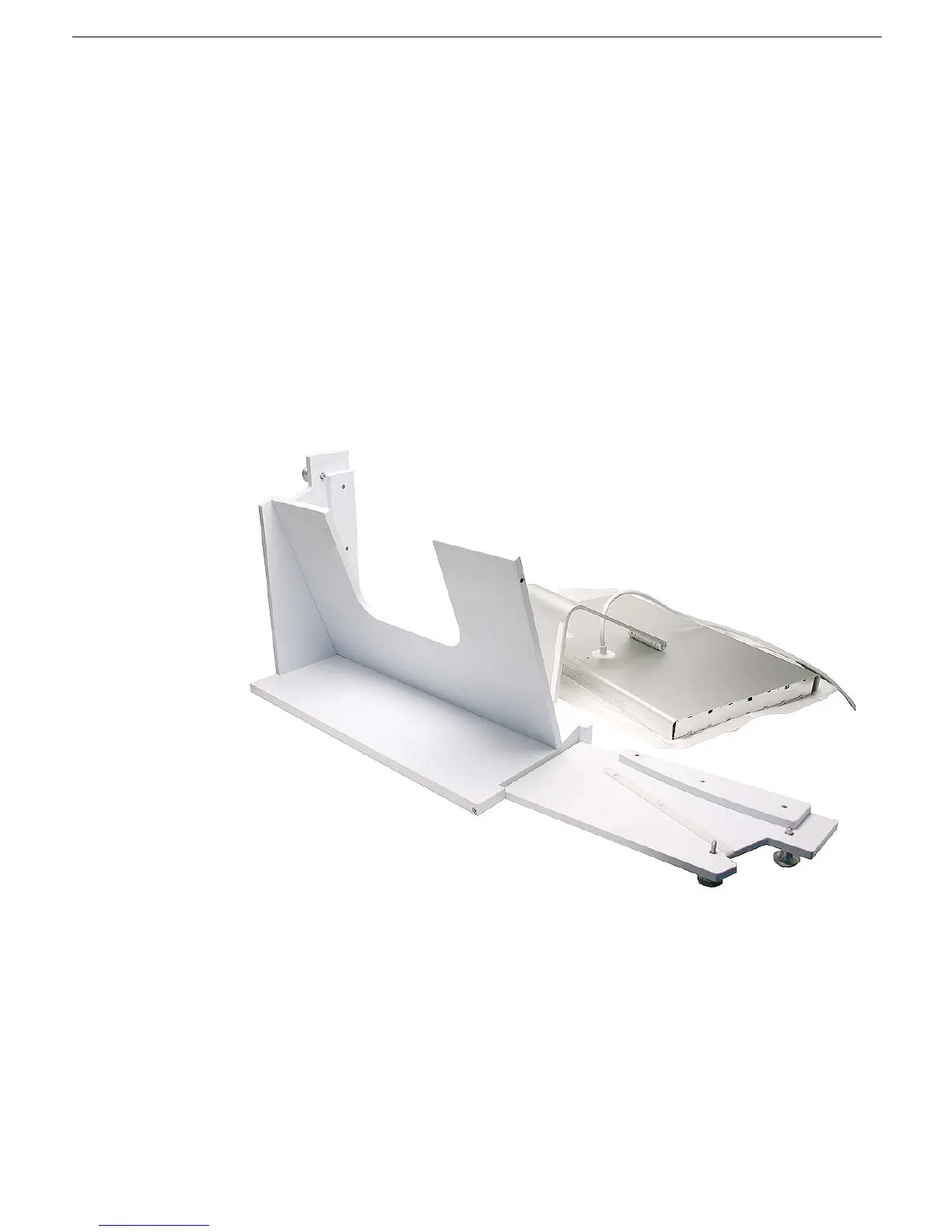
2. Open the side arm of the fixture by turning the captive knob counter-clockwise.



 To Next Page