26 -
Cinema HD Display (23-inch DVI) Take Apart
Display Housing
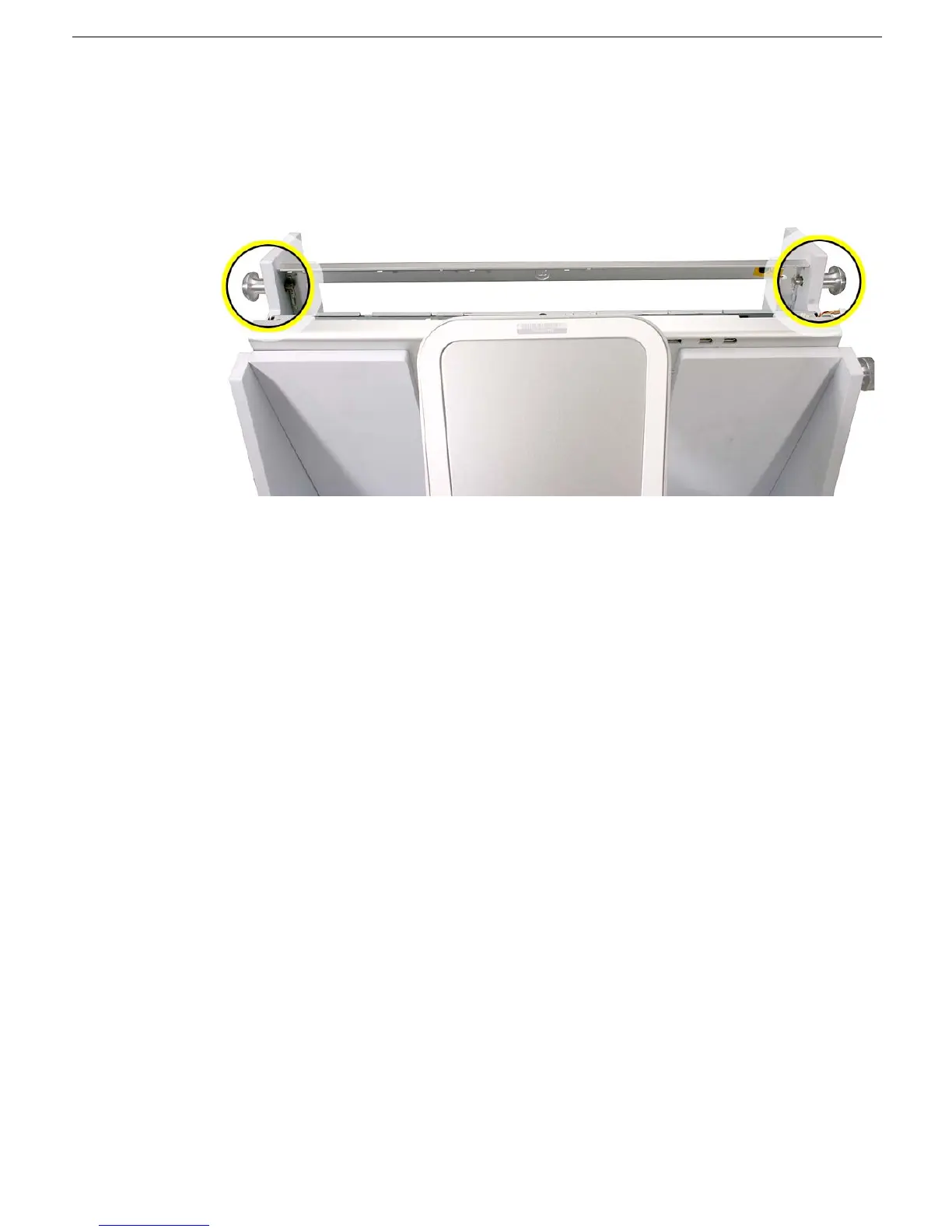
9. With the display assembly secure in the fixture, make sure the locking pins on both
sides of the fixture are recessed.
10. Open the housing the rest of the way and secure it in the open position by pressing in
on the locking pins on both sides of the fixture.



 To Next Page