28 -
Cinema HD Display (23-inch DVI) Take Apart
Display Housing
12.
Important:
Handle the display assembly by the outer edges only. Do not strain the
cable or touch the face of the LCD panel
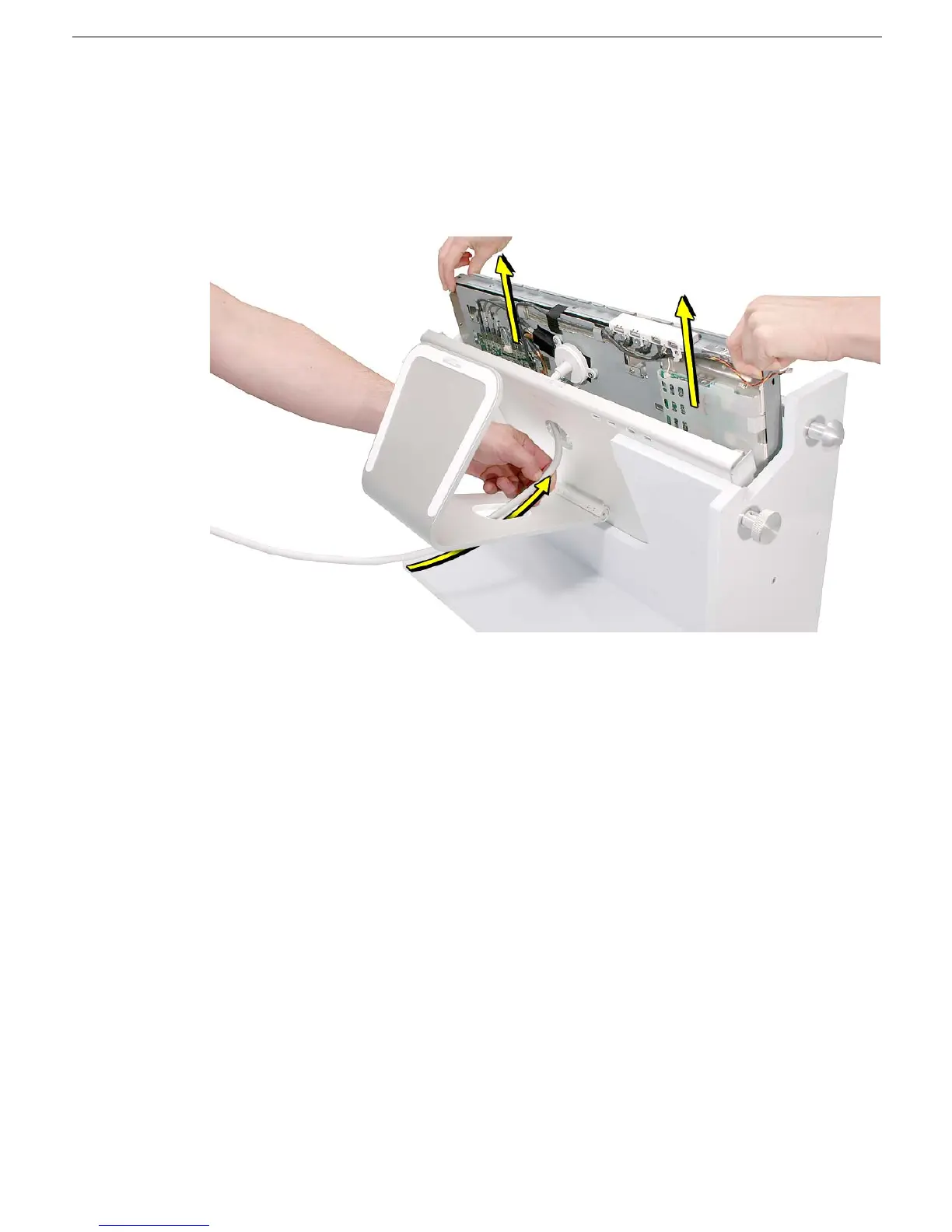
13. Have a second person feed the display cable through the round opening on the back
of the housing while you lift the display assembly out of the housing. Try to keep the
display assembly from touching the housing as you lift it out.
14. Place the display assembly face down on a clean ESD mat or cloth.
15. Release the locking pins on the fixture, and unlatch the fixture to remove the housing.
16. Install the replacement display housing in the fixture, and reassemble and test the
display.



 To Next Page