30 -
Cinema HD Display (23-inch DVI) Take Apart
Mounting Bracket
• Display housing
Procedure
Important:
The housing is subject to bending or flexing if mishandled. Make sure the
housing shell remains closed during this procedure.
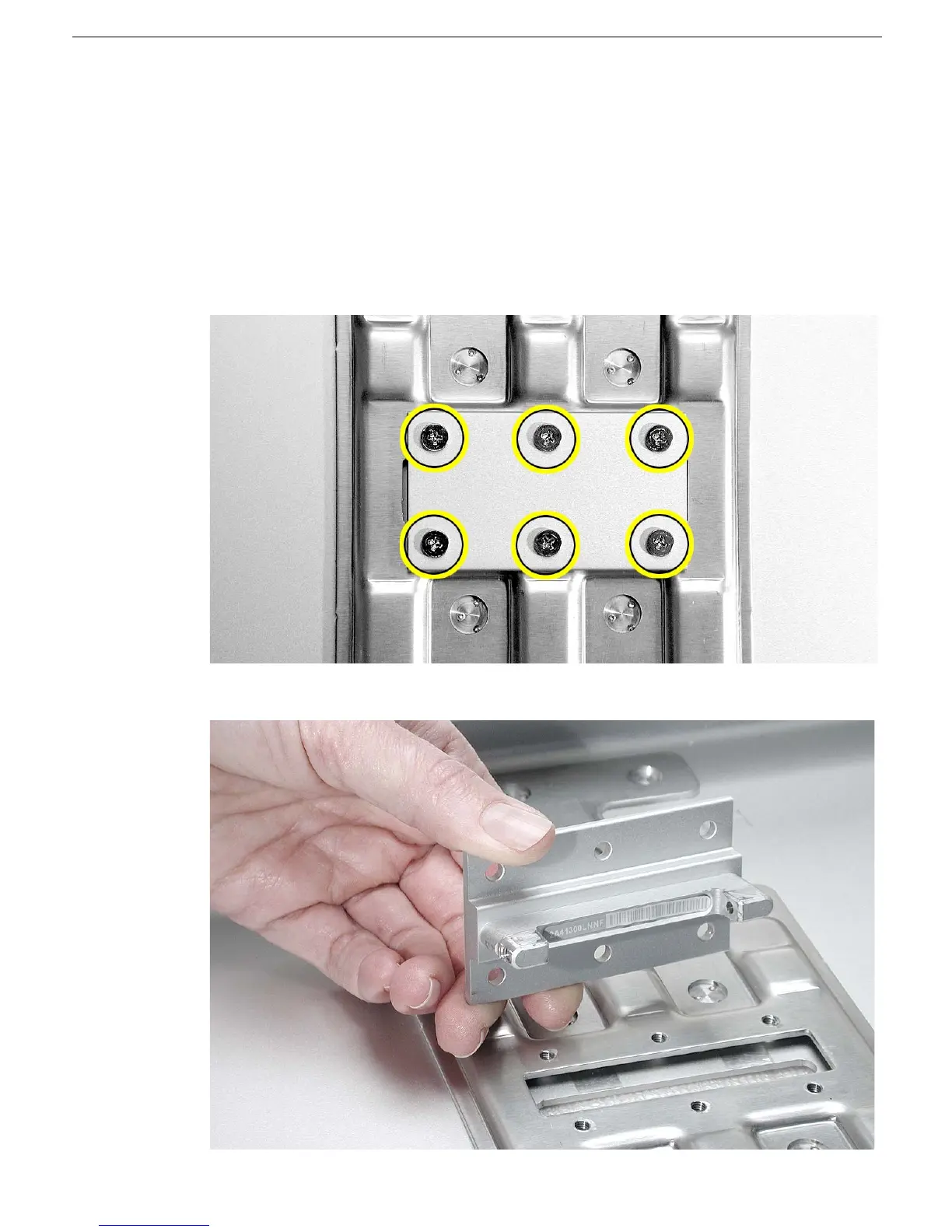
1. With the housing closed and “face up” on a clean ESD mat or cloth, remove the six
screws that secure the mounting bracket to the display housing.
2. Remove the mounting bracket from the housing.



 To Next Page