Cinema HD Display (23-inch DVI) Take Apart - 39
Display Cable
8. Install the replacement display cable, and reassemble and test the display.
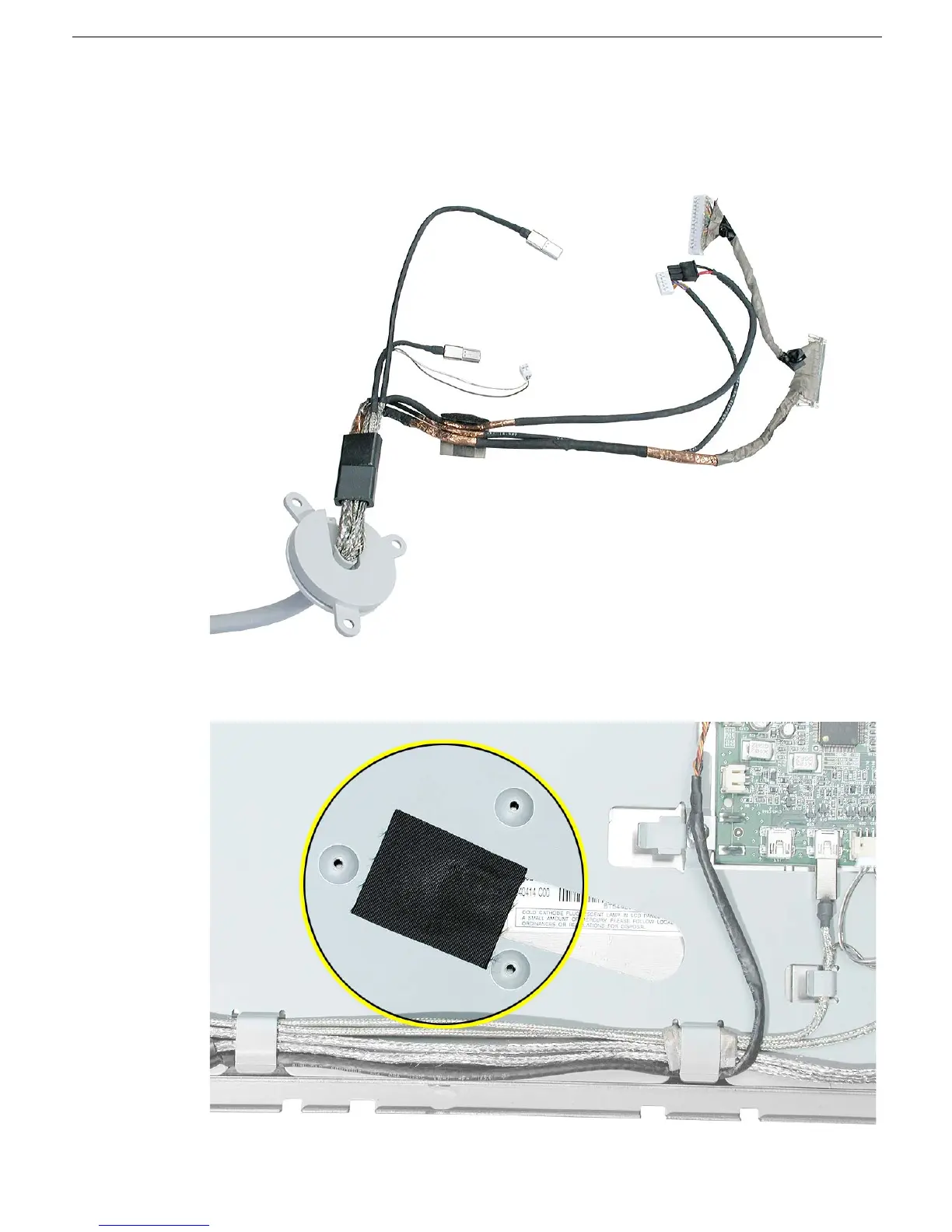
Replacement Note: The display cables includes the seven internal connectors
shown.
Replacement Note: Make sure that black acetate tape is installed over the chassis
and LCD panel before installing the cable hub.



 To Next Page