Cinema HD Display (23-inch DVI) Take Apart - 49
Main Board
Procedure
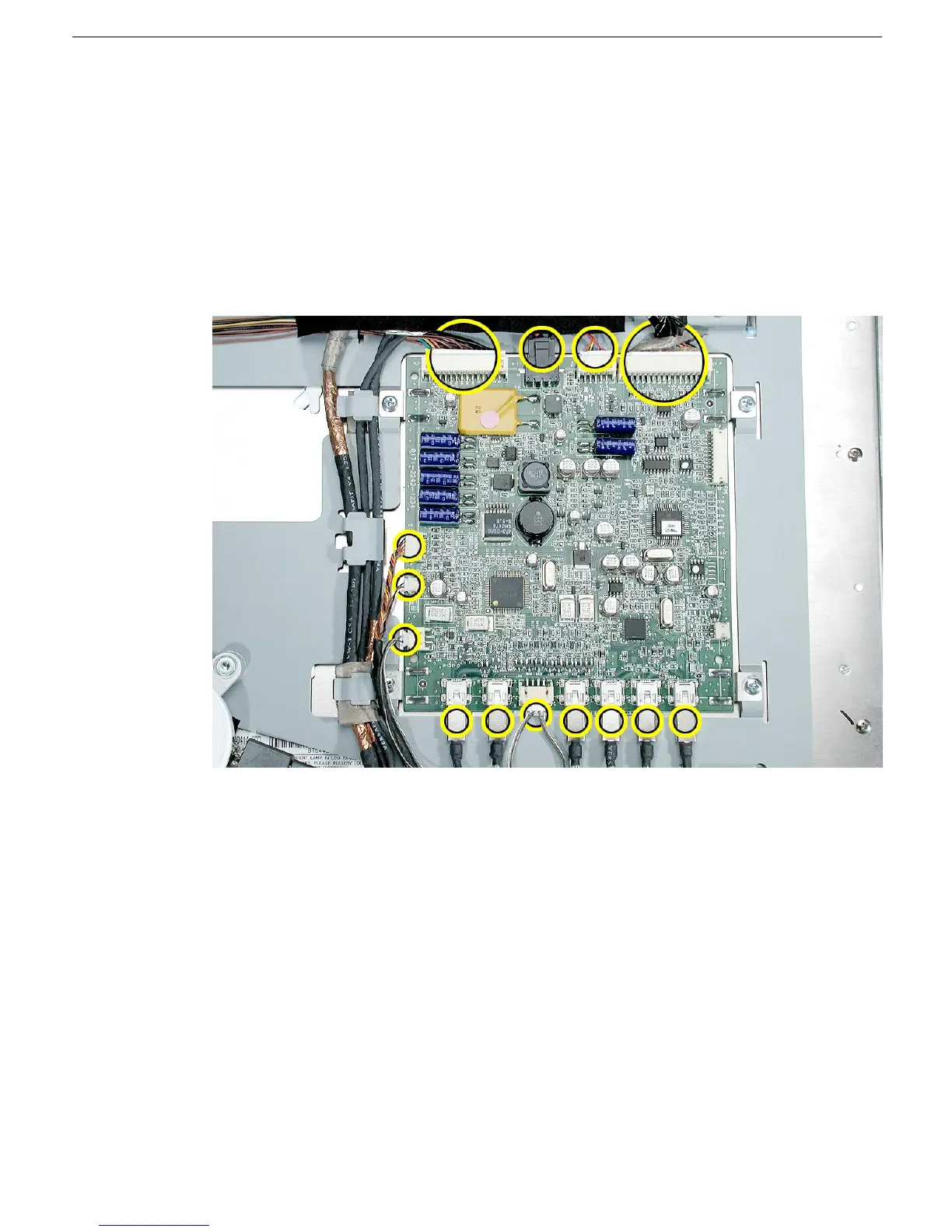
1. Disconnect all cables from the main board.
Replacement Note: Wherever necessary to access the cables, peel up tape or
remove the cables from their cable guides. Do not strain the cables.
Replacement Note: Notice that two connectors on the right side of the board have
no cables attached. These connectors should remain empty except for testing
purposes during manufacturing.



 To Next Page