Cinema HD Display (23-inch DVI) Take Apart - 53
Inverter Board
Procedure
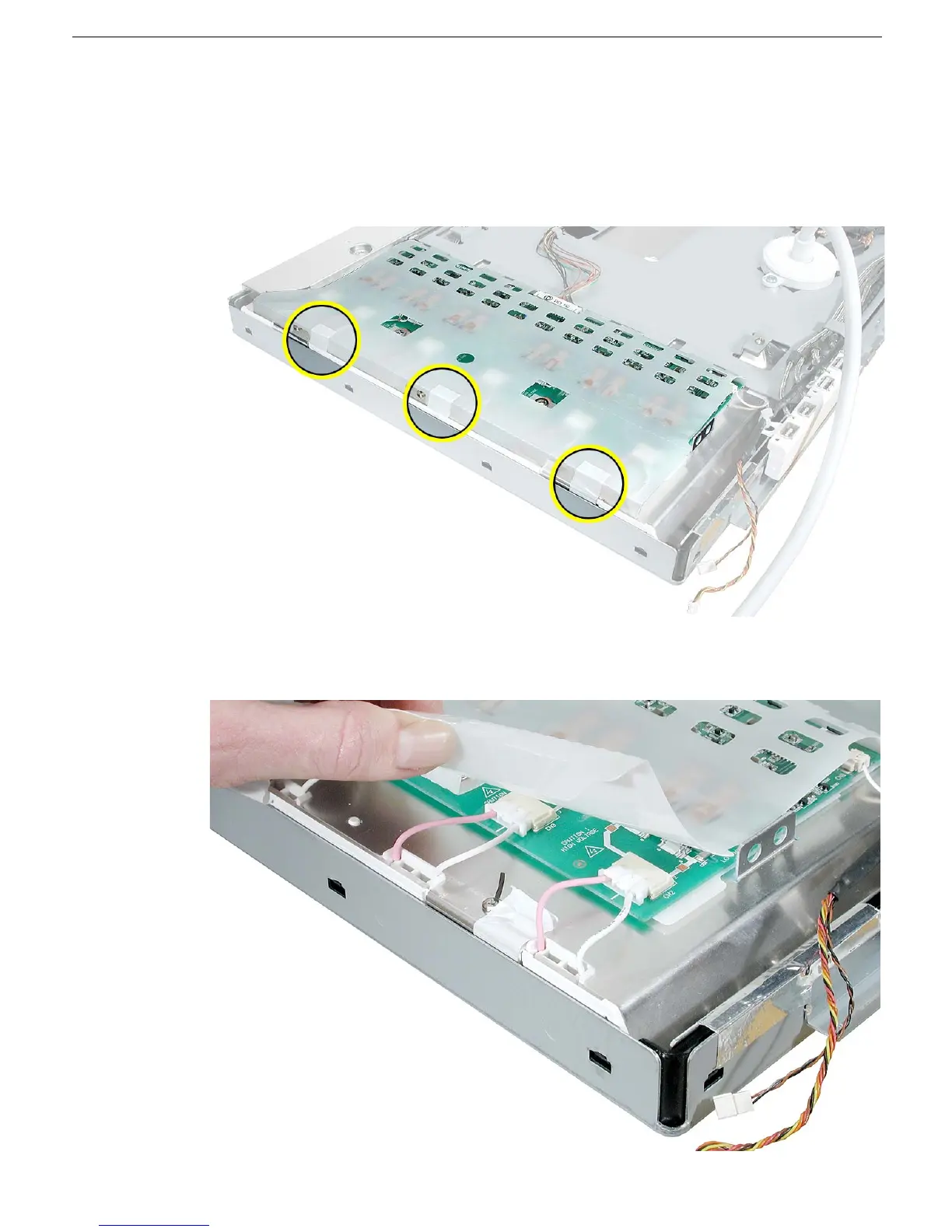
1. Peel up the tape at the left side of the plastic sleeve that covers the inverter board.
Replacement Note: When reassembling the display, be sure to tuck in the ends of
the plastic sleeve and secure the sleeve with tape.
2. Hold up the plastic sleeve to see the six locking cables at the left side of the inverter
board.



 To Next Page