68 - Cinema HD Display (23-inch DVI) Take Apart
LCD Panel
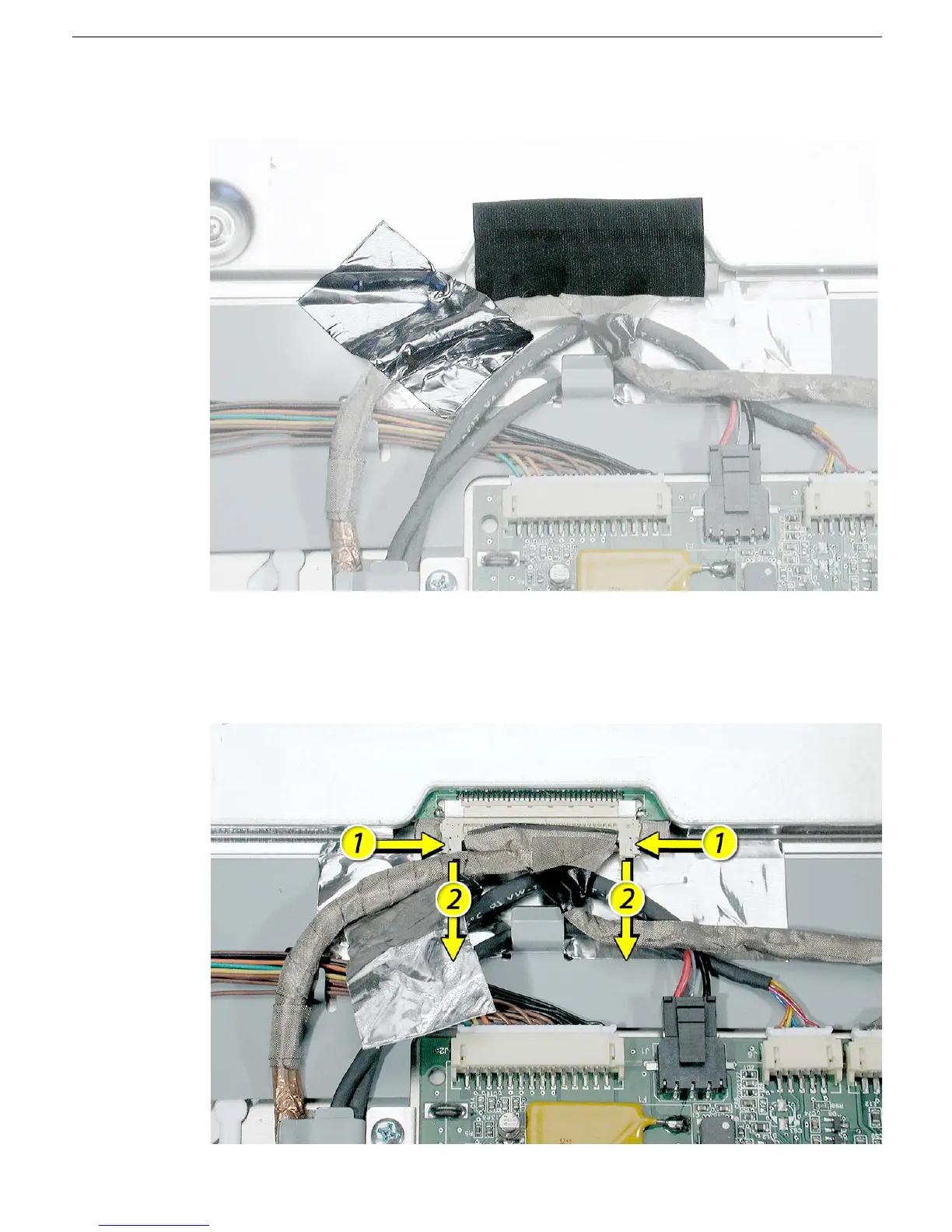
2. Peel up the smaller strips of tape that cover the TMDS connector and cable.
3. Press the ends of the TMDS connector and pull it straight down to disconnect the
TMDS cable from the LCD panel.
Replacement Note: When installing cables, install this TMDS cable last.



 To Next Page