Apple Cinema HD Display (23-inch DVI) Trouble-
Power Symptom Charts
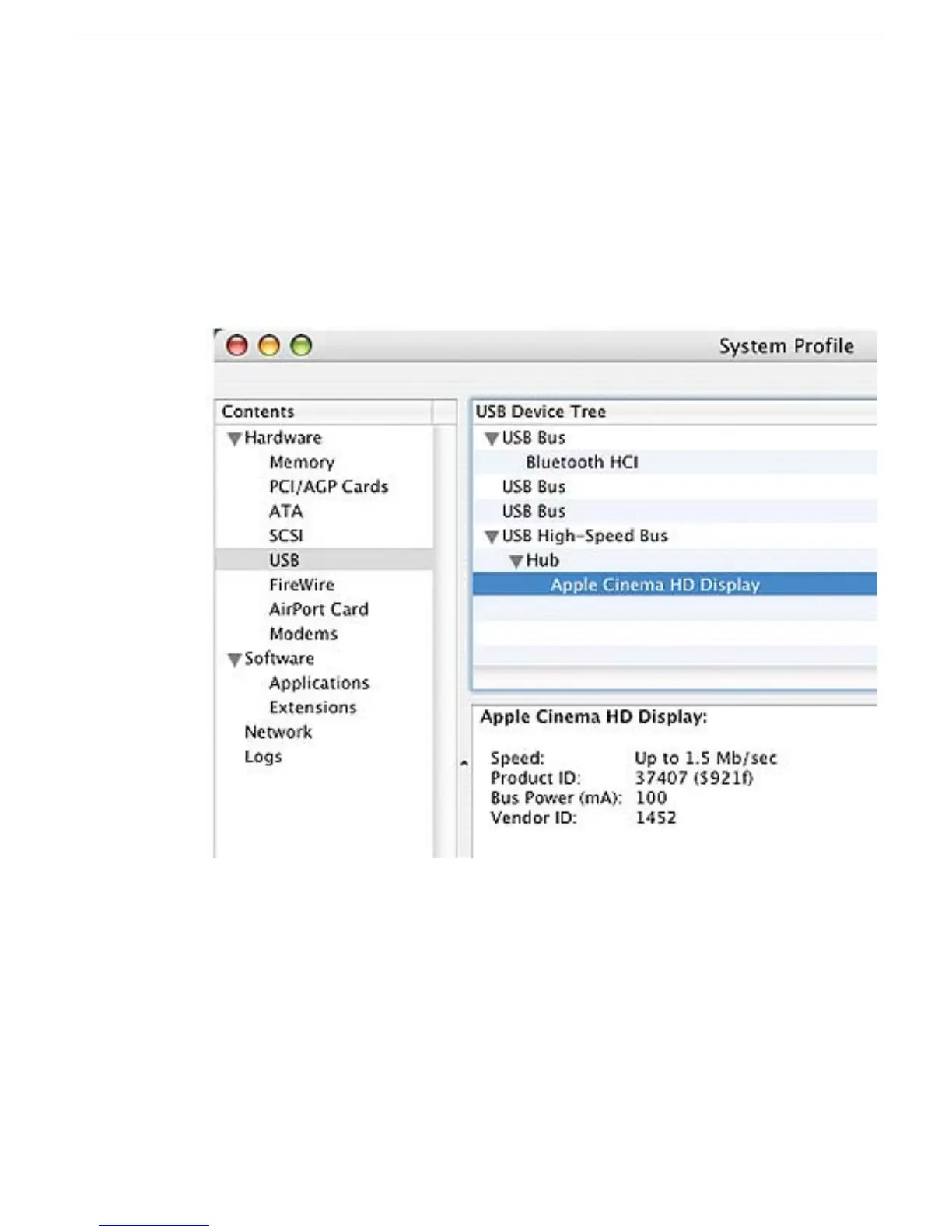
3. Check to see if the computer recognizes the display:
• Plug the display into a known-good computer with a known-good video card and
DVI display port. Connect a second display (or use a PowerBook or iBook). Start
up the computer and allow enough time to finish startup.
• From the desktop, select the hard drive, and under the apple icon click About This
Mac. Click the More Info button to open System Profiler. In the System Profile
menu under Hardware, check the hub to see if the display is listed.
– If the display is not listed, replace the main board.
– If the display is listed, go to the No Video symptom.



 To Next Page