11 -
iBook G4 (12-inch Mid 2005) Take Apart
Foot and Foot Socket
Replacing the Feet and Sockets
1. Install the new socket. For the best fit, do not reuse the old socket.
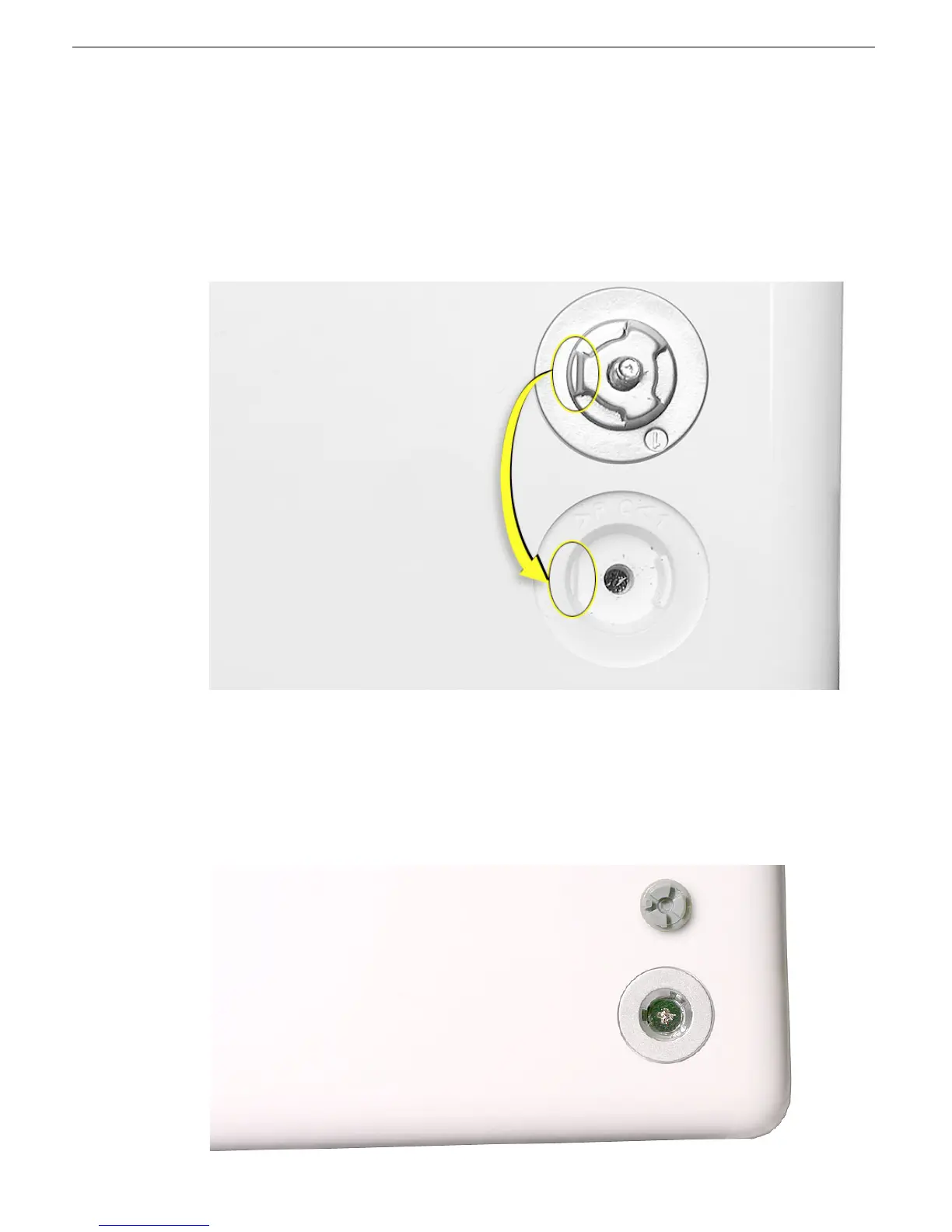
Replacement Note:
When replacing the socket, notice the wedge area on the
bottom of the socket and the matching wedge area in the bottom case. Position the
socket in the bottom case to align the wedge areas. You might need to rotate the
socket slightly until it sits flat into the bottom case.
2.
With the socket sitting flat in the bottom case, install the screw.
3. Before installing the replacement foot, check the shape. The socket and foot are
keyed:
• The socket has three identical openings and a fourth indented area.
• The foot has three identical raised areas and a fourth smaller raised surface.



 To Next Page