iBook G4 (12-inch Mid 2005) Take Apart -
14
Keyboard and RAM Shield
Procedure
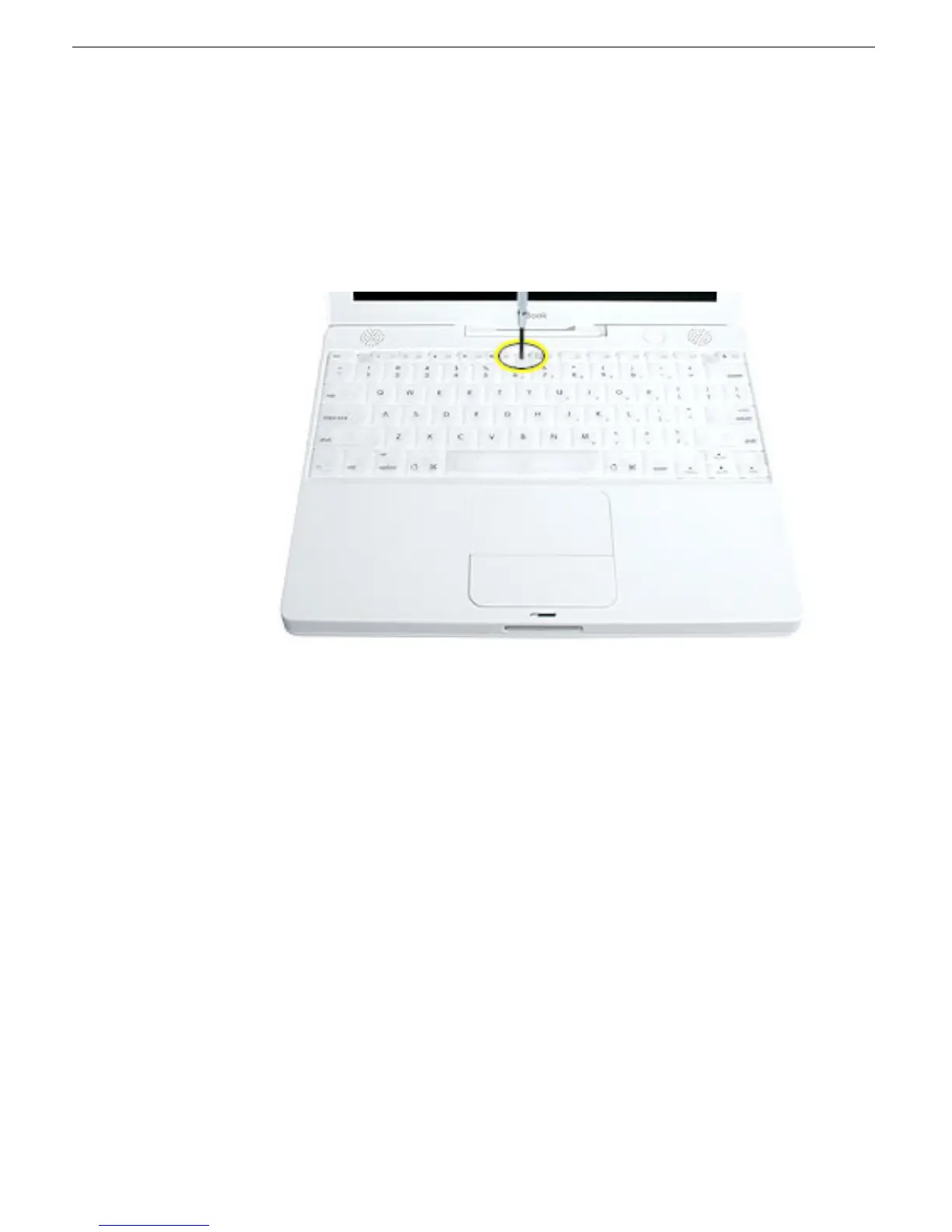
1. Raise the display so you can access the keyboard.
2. Make sure the keyboard locking screw, located in the small plastic tab next to the Num
Lock key, is not in the locked position. The iBook comes with the keyboard unlocked,
so unless you or someone else locked the keyboard, you can skip this step.
To unlock the keyboard, turn the screw 1/2 turn.



 To Next Page