23 -
iBook G4 (12-inch Mid 2005) Take Apart
Bottom Case
Procedure
1. Place the computer upside down on a soft cloth.
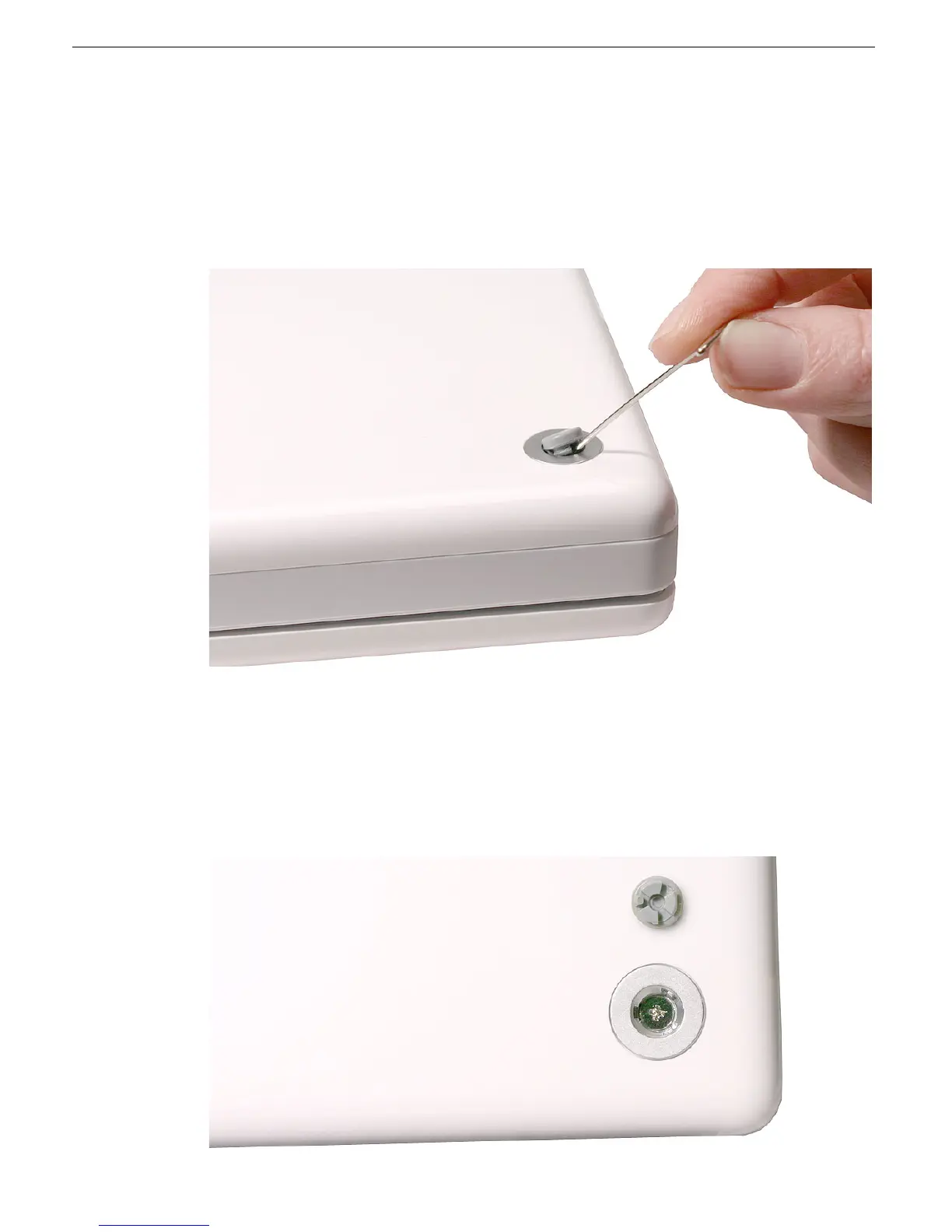
2. Using a pin, pry up the three rubber feet from the metal sockets.
Important:
When reassembling the computer, do not reuse the feet. Install three new
rubber feet.
3. Remove the three identical Phillips screws from the metal sockets.
4. Use a black stick to lift out the metal sockets.
Note:
When reassembling the computer, note that the metal sockets are keyed.
Rotate them until they sit flat against the bottom case. Align the feet so that the keyed
area on the feet match with the socket.



 To Next Page