55 - iBook G4 (12-inch Mid 2005) Take Apart
Display Latch
4. Carefully peel up the trackpad cable from the top case.
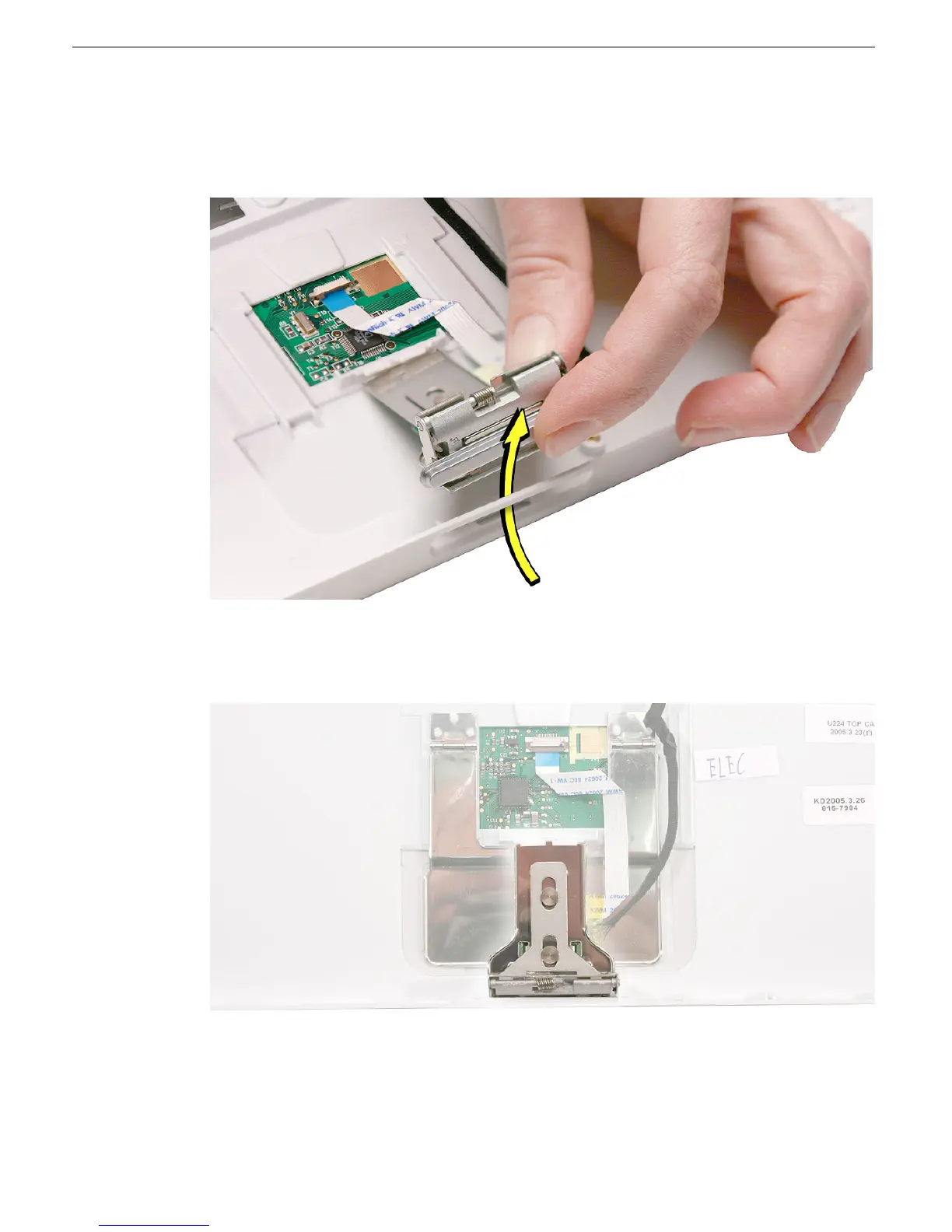
5. Holding the top case steady, press the latch button in and under the lip of the top case.
You might need to flex the latch opening somewhat to remove it from the top case.
6. Install the replacement display latch by tilting it onto the trackpad assembly, pressing
the latch button, and feeding the latch into the latch opening in the top case. Test that
the latch button works easily.
7. Reassemble and test the computer.
Warning: When reassembling the computer, be careful not to pinch any cables
as you press the top case back onto the computer. Check that the top case
shows no raised surfaces and is fully snapped into place before installing the
remaining screws.



 To Next Page