Page 7 of 73
Copyright © 2006 Powerbookmedic.com. All rights reserved.
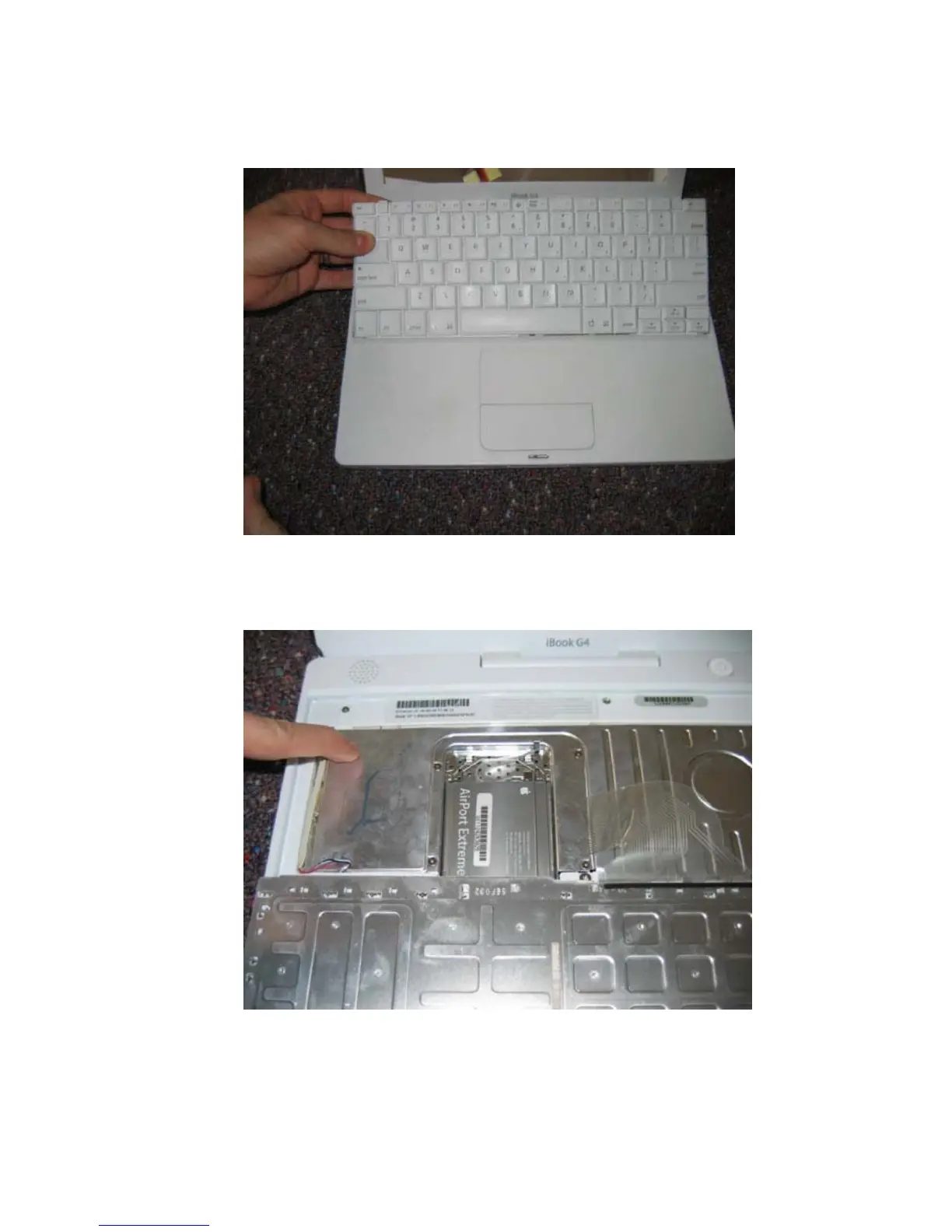
While depressing the tabs, pull the keyboard up, out, and flip it towards you as shown.
Before proceeding with any repair, touch a metal surface such as on the computer as
shown to discharge any static buildup.



 To Next Page