Page 8 of 73
Copyright © 2006 Powerbookmedic.com. All rights reserved.
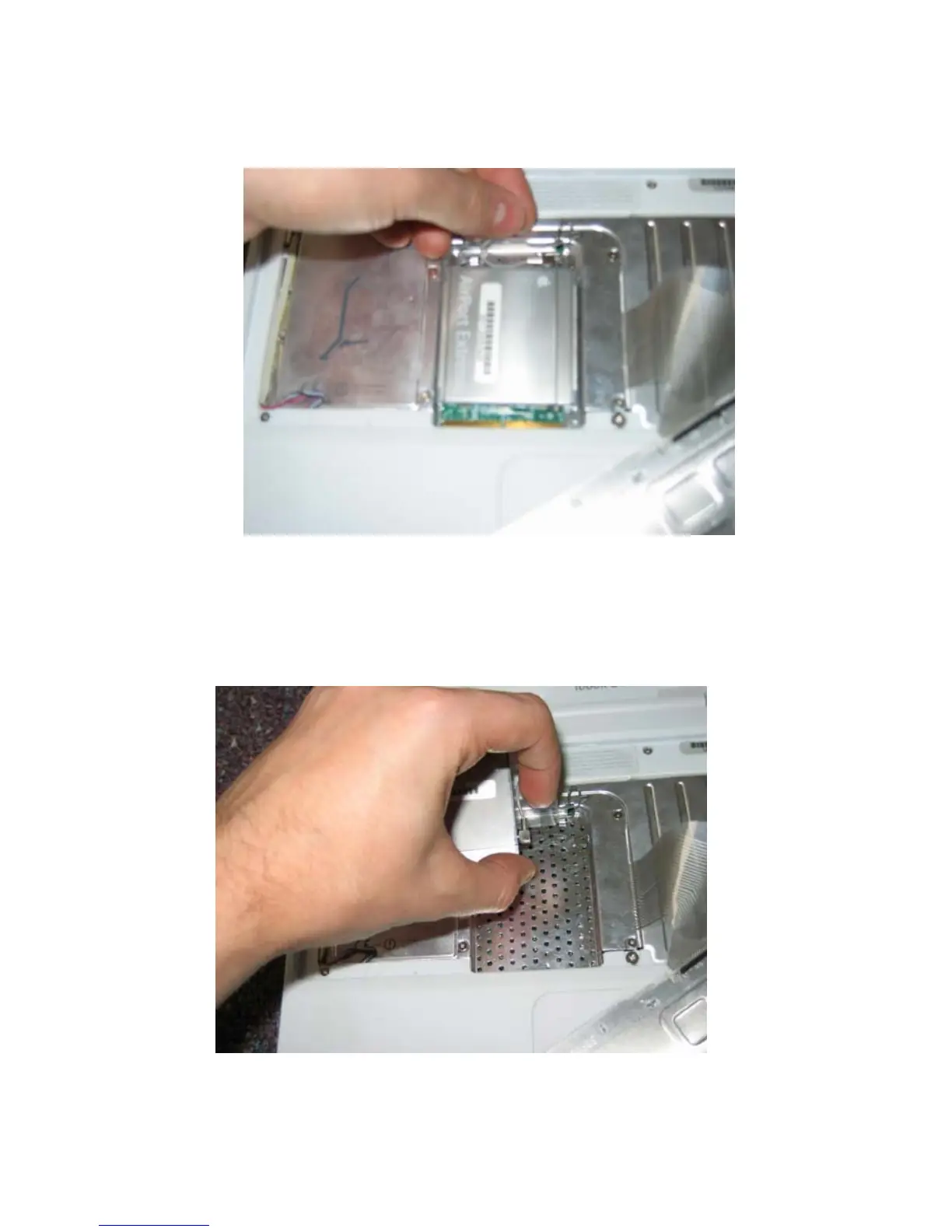
Behind the airport extreme card is a retainer clip. Push this clip out and up as shown.
Locate the plastic tab on the airport card, and gently pull away from you to disengage it
from its connector. Undo the airport connector from the card, and set the card aside on a
static free surface. Note – To remove the airport connector from the Airport extreme card,
use your fingers to pull it out. If it does not come out easily, use a pair of needle nose
pliers to gently pull it out. Do not use too much force or you may damage the connector.



 To Next Page