iBook (14.1 LCD 16 VRAM) Take Apart - 78
Display Clutch Cover
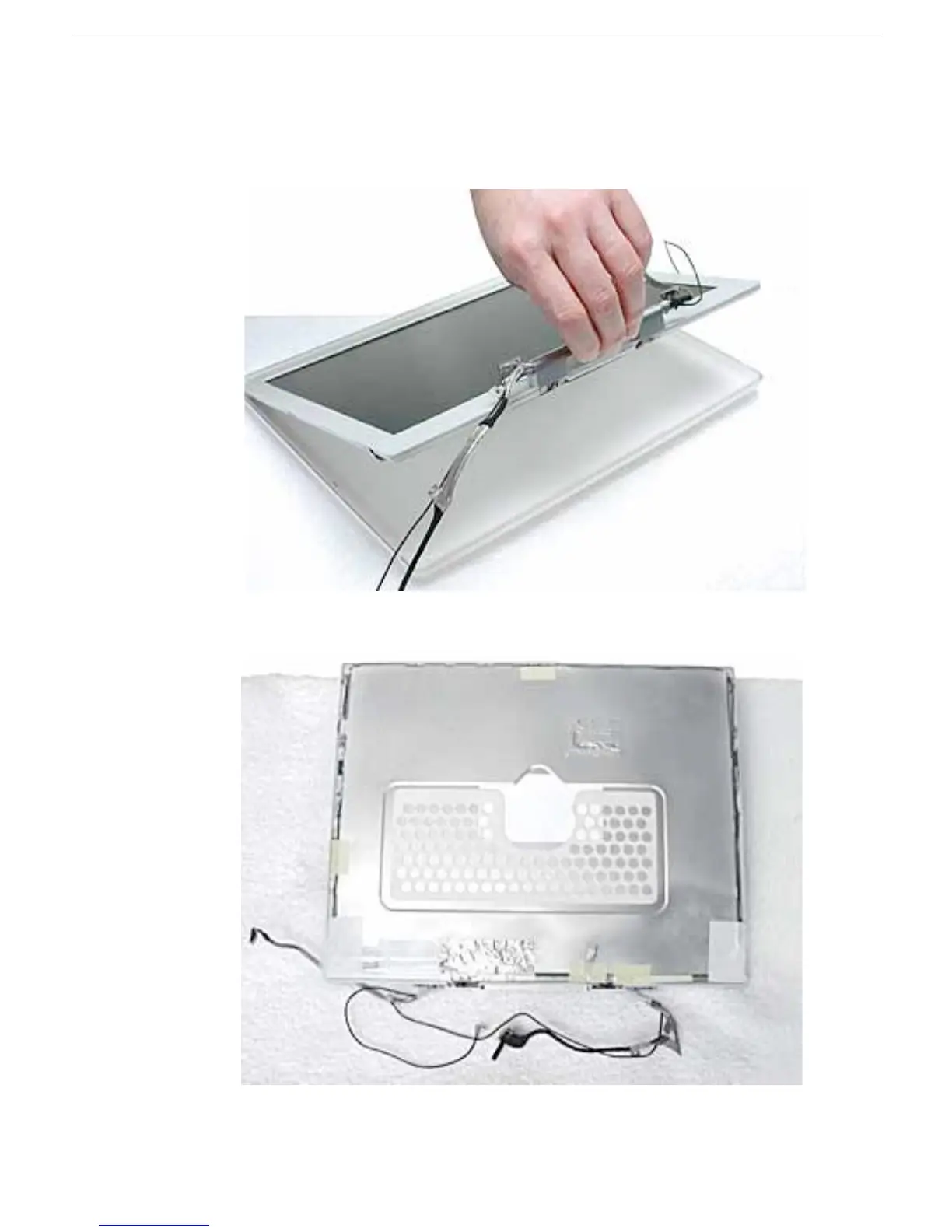
3. Warning: When lifting the assembly, be careful not to strain the cables.
With the bezel assembly loosened, grasp the display clutch cover and raise the
assembly off of the display housing.
4. Place the display assembly face down on a soft cloth.



 To Next Page